FilePrepKit guides
Guides for confident file preparation
Practical articles for SVG, laser and cutting work, product images and digital delivery. Search a topic or choose the part of your workflow you want to improve.
Prepare SVG
 Prepare SVG
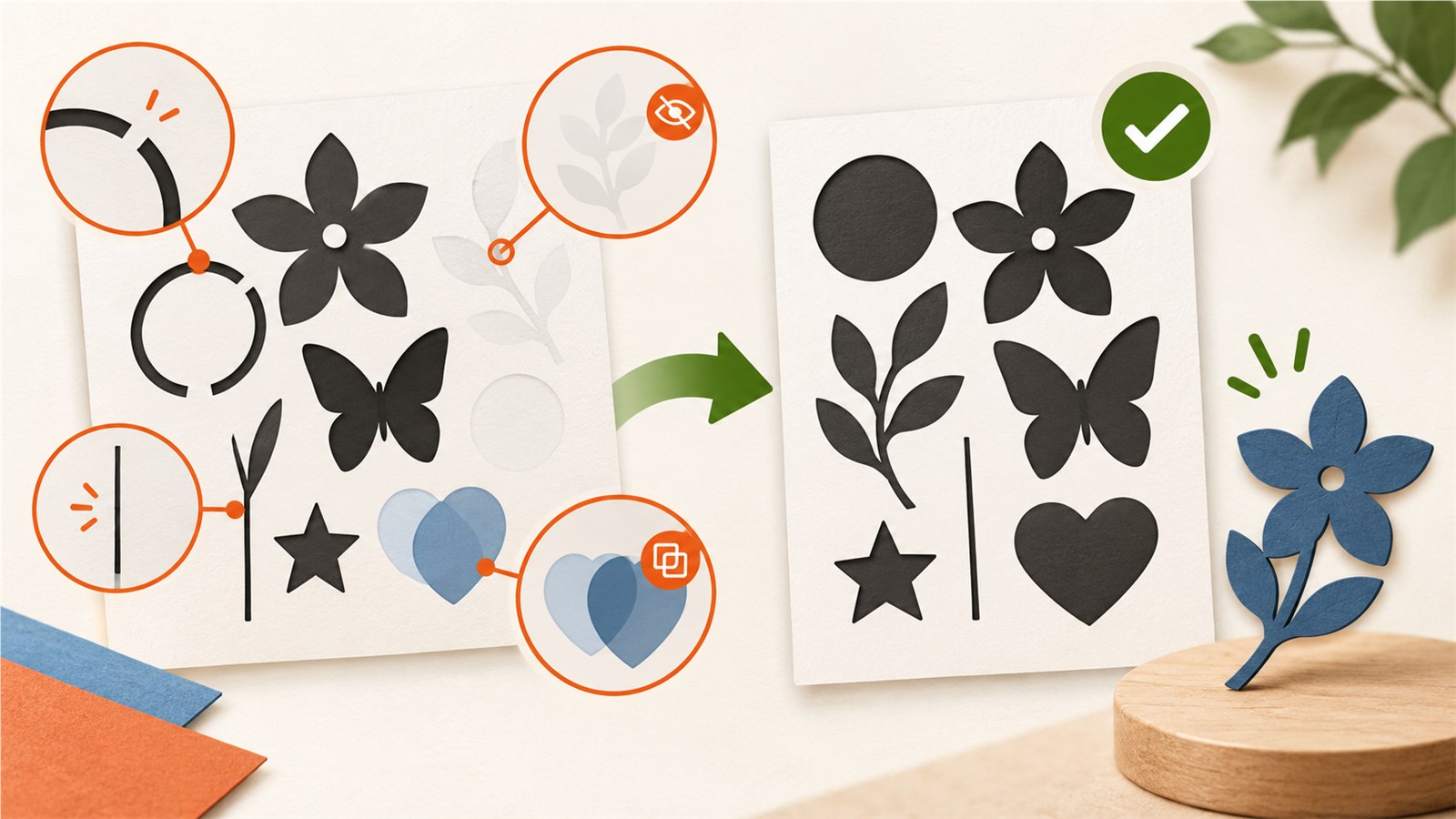
Check an SVG Before Cutting or Selling It
Inspect SVG size, paths, hidden objects, duplicate elements and delicate details before cutting, engraving or digital delivery.
Read guide → Prepare SVG
Prepare an SVG Before Cutting
Prepare SVG files for cutting by checking size, paths, duplicates, hidden objects, fine details and a real-material test.
Read guide → Prepare SVG
Why an SVG Opens at the Wrong Size — and How to Fix It
Learn why an SVG can open at the wrong physical size and how to check units, viewBox, scale and raster images before cutting or printing.
Read guide →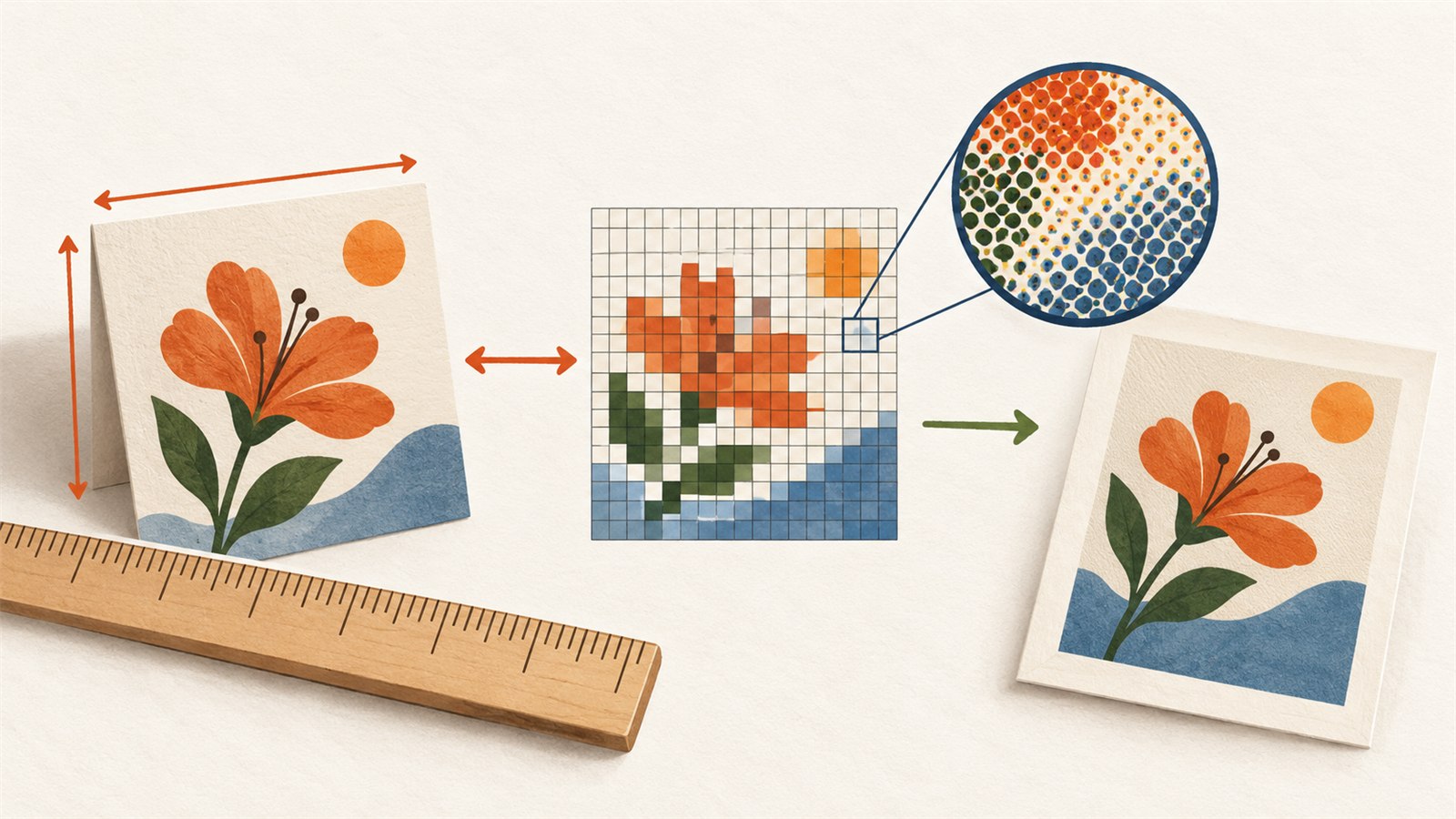 Prepare SVG
Millimetres, Inches, Pixels and DPI: A Practical File Guide
Understand millimetres, inches, pixels and DPI for print, photos, SVG design and laser cutting, with practical checks to avoid scaling mistakes.
Read guide →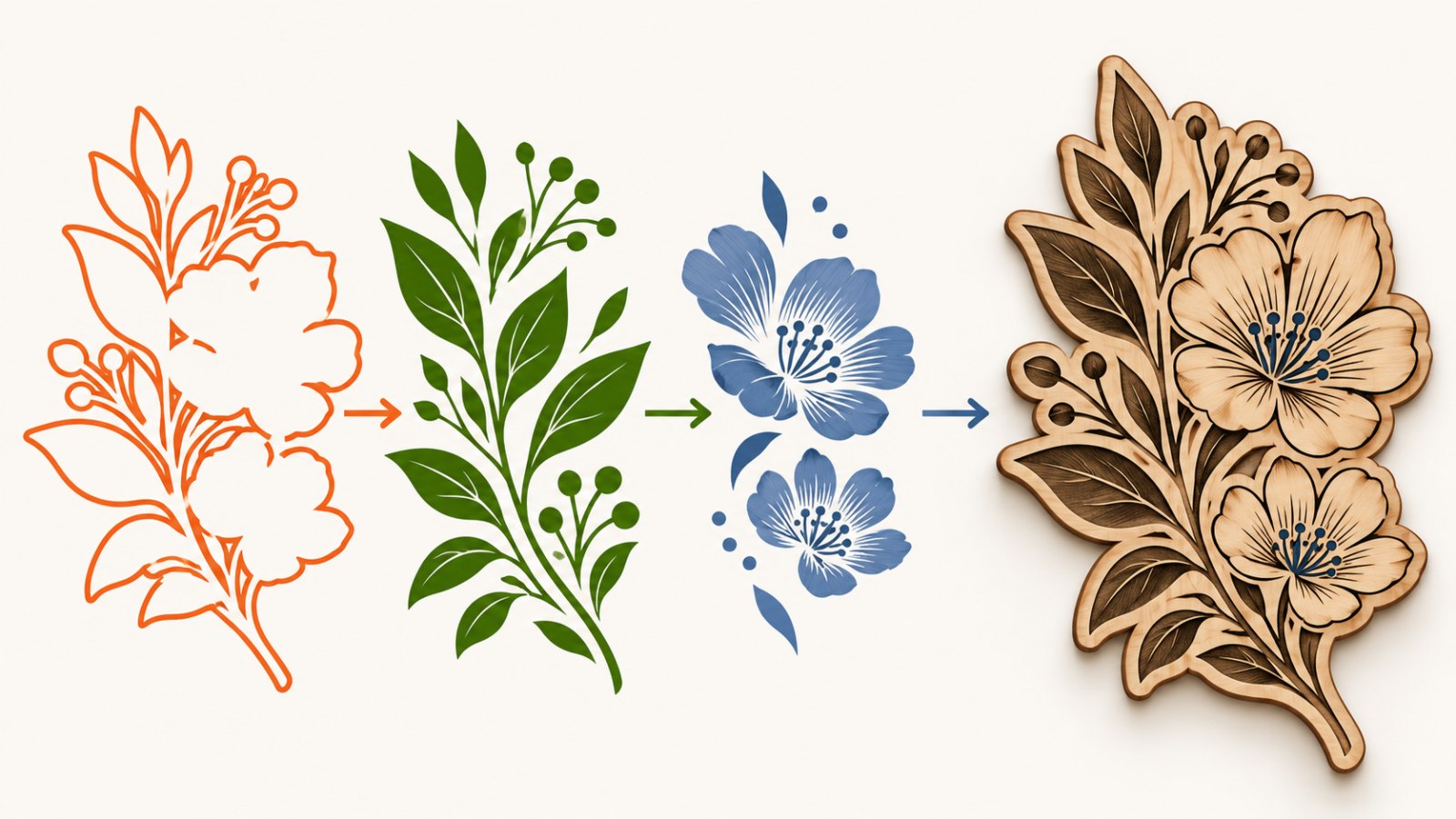 Prepare SVG
Split SVG Colors for Laser Engraving and Cutting
Organise SVG colours into clear laser-operation groups, check duplicate paths and layers, then test critical geometry on material.
Read guide →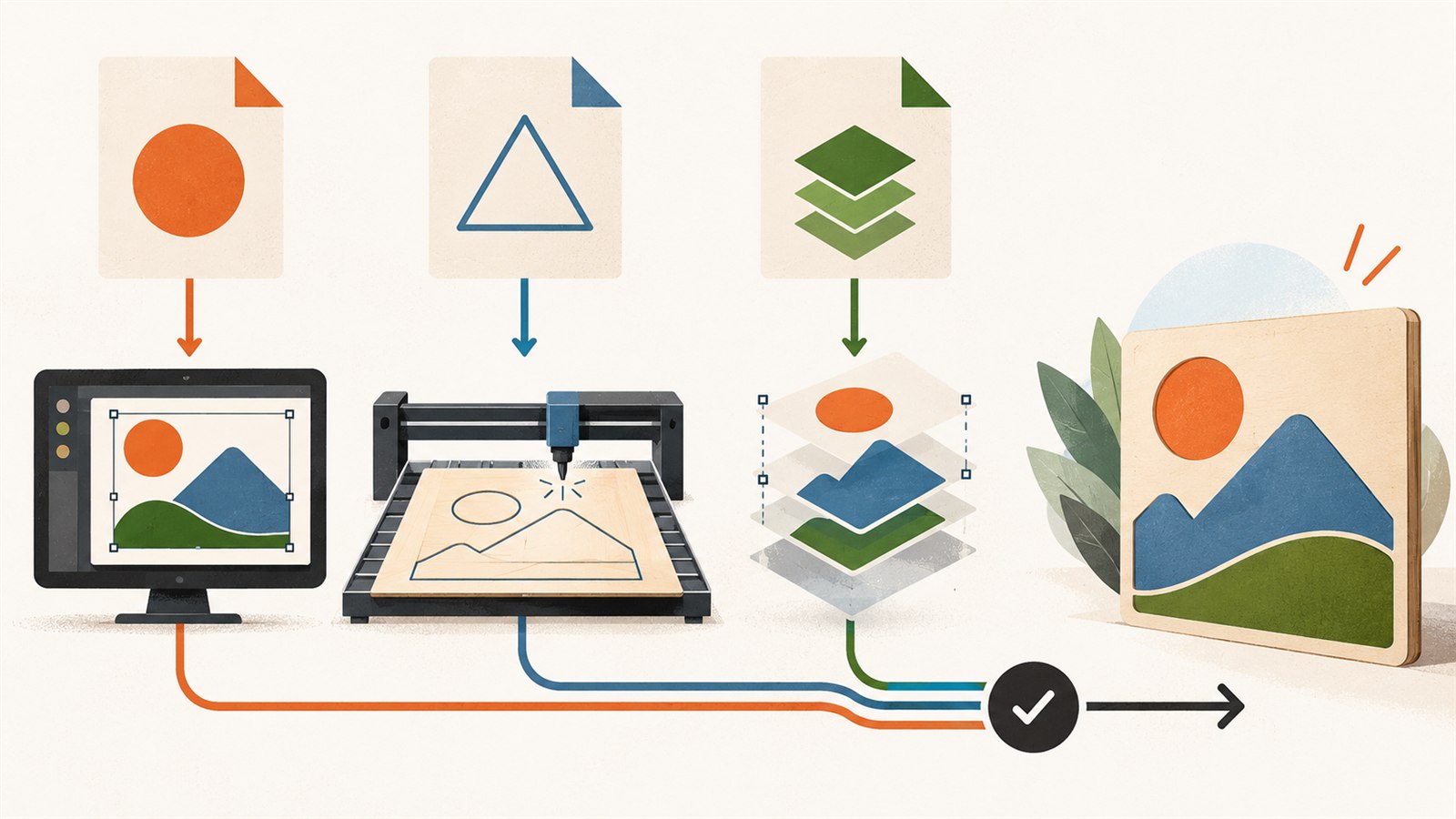 Prepare SVG
SVG, DXF and AI: Choose the Right File Format for the Next Step
Choose SVG, DXF or AI for the next production step, keep a protected source file and check each export in target software.
Read guide →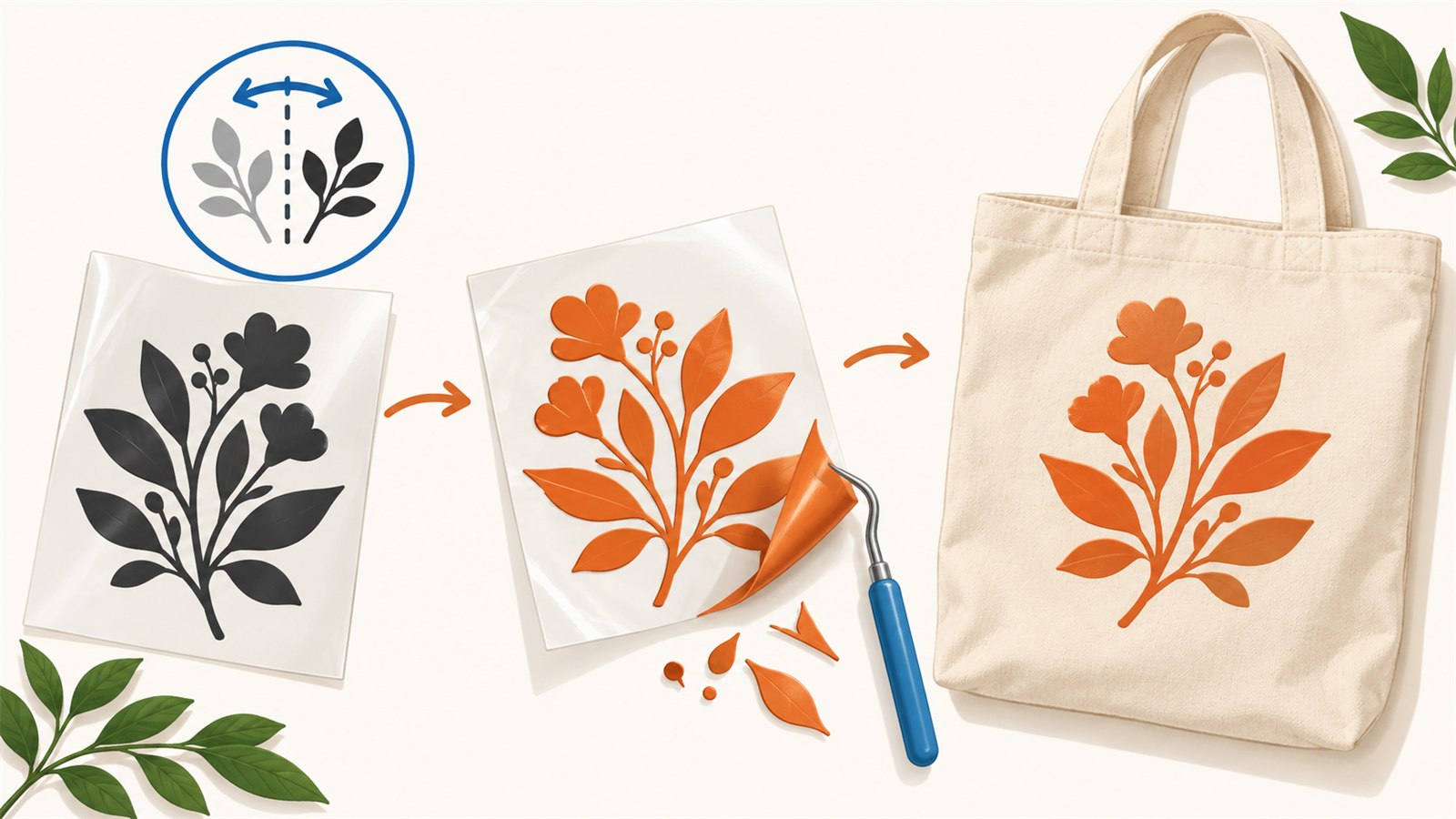 Prepare SVG
HTV File Checklist Before Cutting Heat-Transfer Vinyl
Prepare a heat-transfer vinyl file by checking mirroring, text, fine details, layers and a real-material test.
Read guide →Designs and layout
 Designs and layout
How to Find the Right SVG in a Large Folder or ZIP Archive
Browse SVG and PNG designs visually in a folder or ZIP archive, select the useful files and save only the copies you need for the next step.
Read guide → Designs and layout
How to Nest SVG Parts on a Sheet With Less Material Waste
Learn how to arrange SVG parts on plywood, acrylic and other sheets with safer gaps, margins and orientation checks to reduce waste and errors.
Read guide →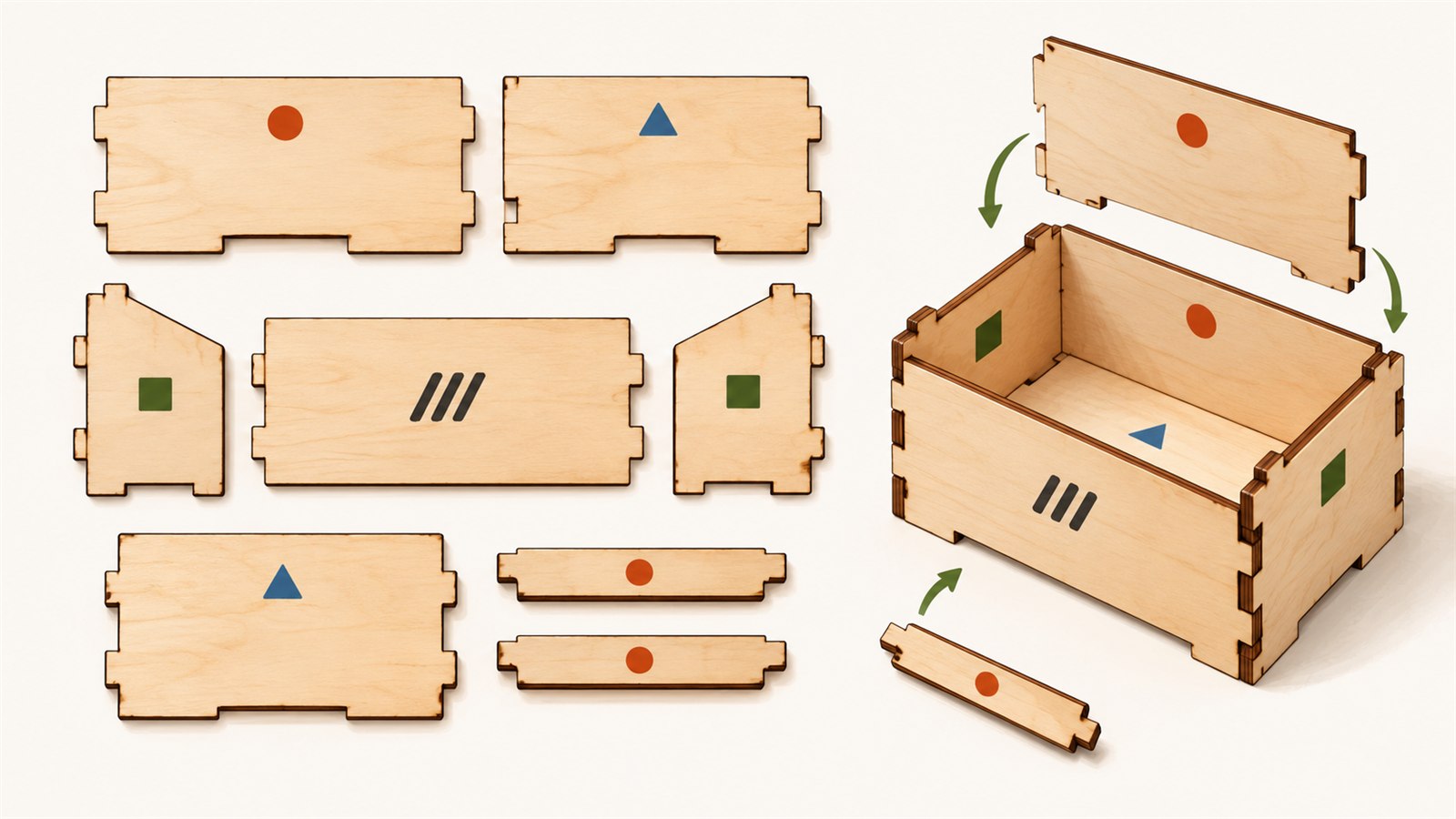 Designs and layout
Label SVG Parts Before Cutting and Assembly
Add clear labels to SVG parts for easier sorting and assembly while keeping marks separate from cutting paths and finished faces.
Read guide →Image editing
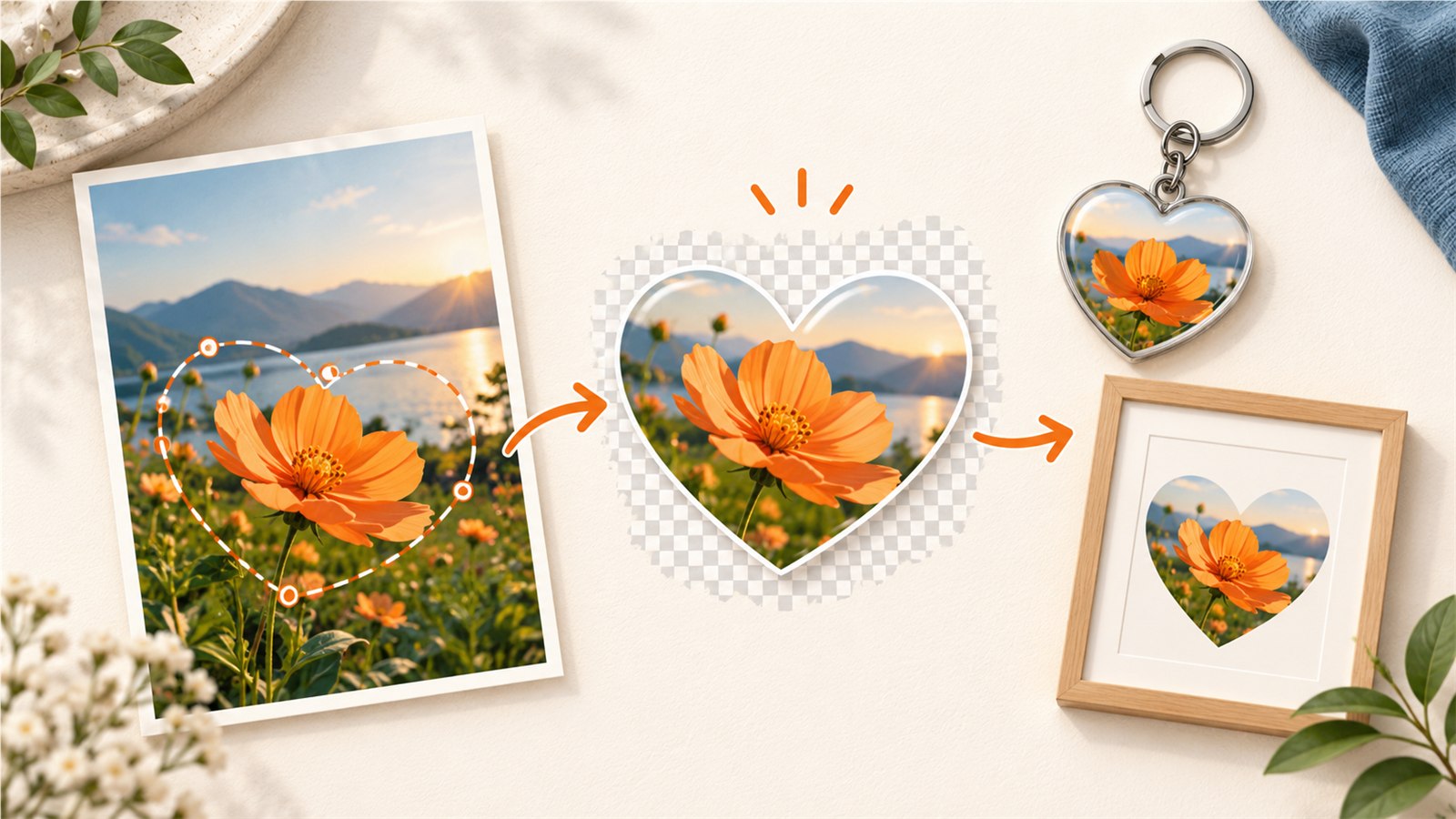 Image editing
Prepare a Photo for a Frame, Keychain or Laser Project
Crop photos for frames, keychains and laser projects by protecting the main subject, matching the shape and testing the real size.
Read guide →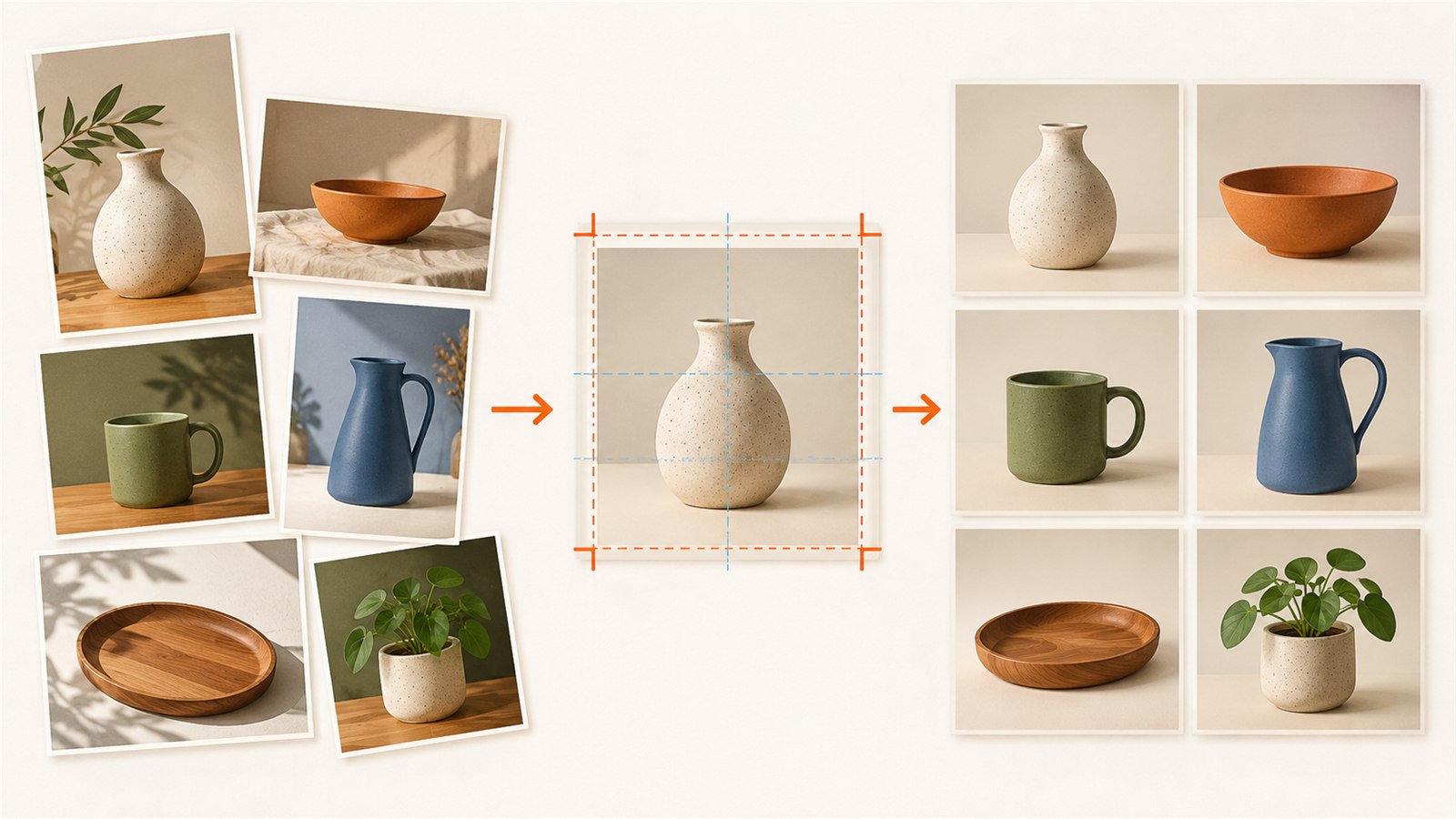 Image editing
Prepare Product Images in Batches for Online Listings
Prepare consistent product images in batches with clear crops, margins, filenames and mobile checks for online listings and changing marketplace requirements.
Read guide →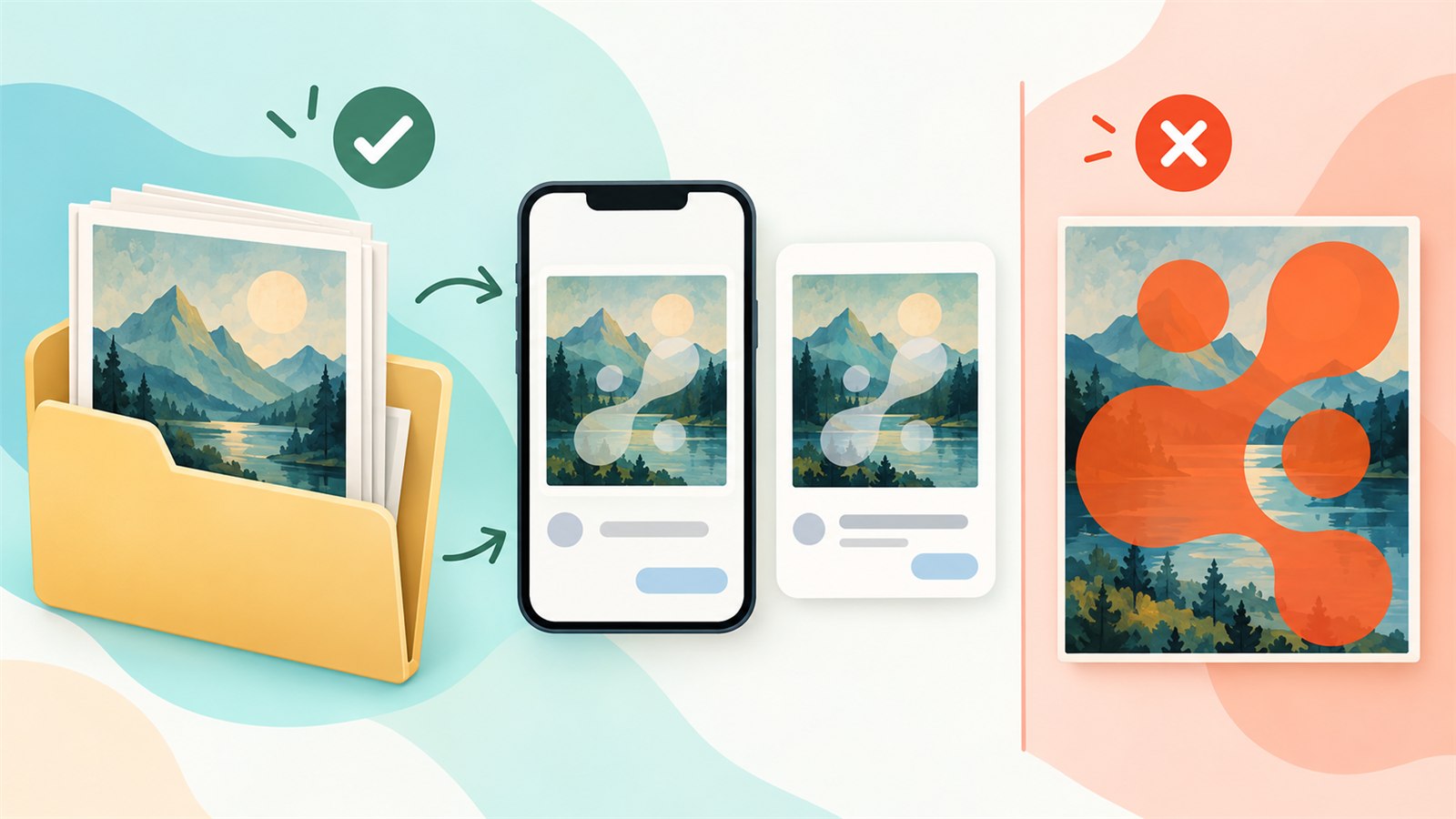 Image editing
Prepare Digital Product Previews Without Giving Away the Original
Create useful digital-product previews with separate copies, clear context, sensible protection and a mobile review before publishing.
Read guide →Laser workshop
 Laser workshop
Use a Laser Test Grid Before a Full Job
Test laser engraving or cutting on a small grid of real material to compare results before committing to a full job.
Read guide →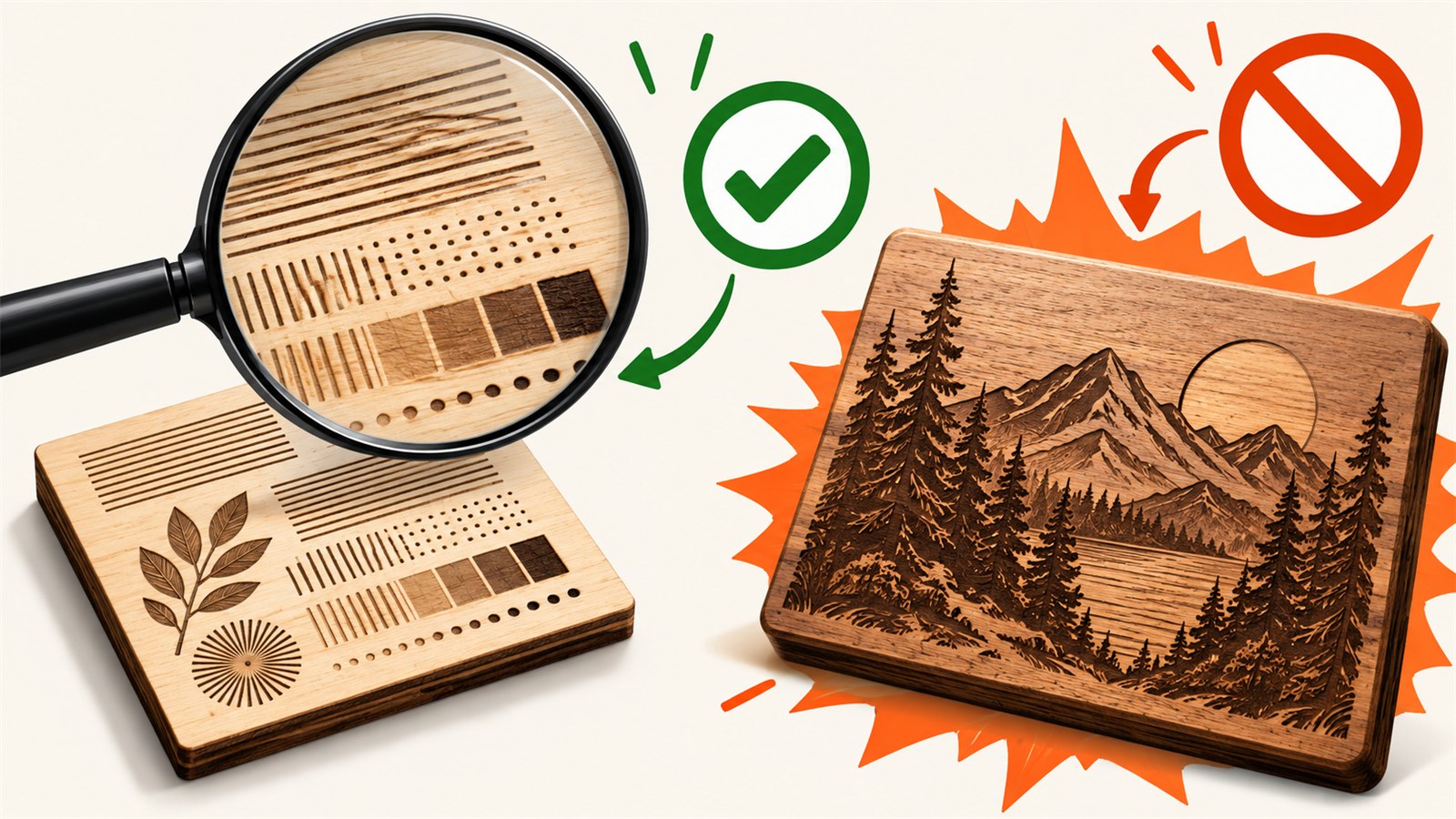 Laser workshop
Common Laser Engraving Mistakes to Catch Earlier
Catch laser engraving risks before a full job: material checks, fine details, file structure, test fragments and result review.
Read guide → Laser workshop
What Dithering Means for Laser Engraving
Learn how laser dithering turns photo tones into dots, how to choose a suitable image and why real-material tests matter.
Read guide →Sales and fulfilment
 Sales and fulfilment
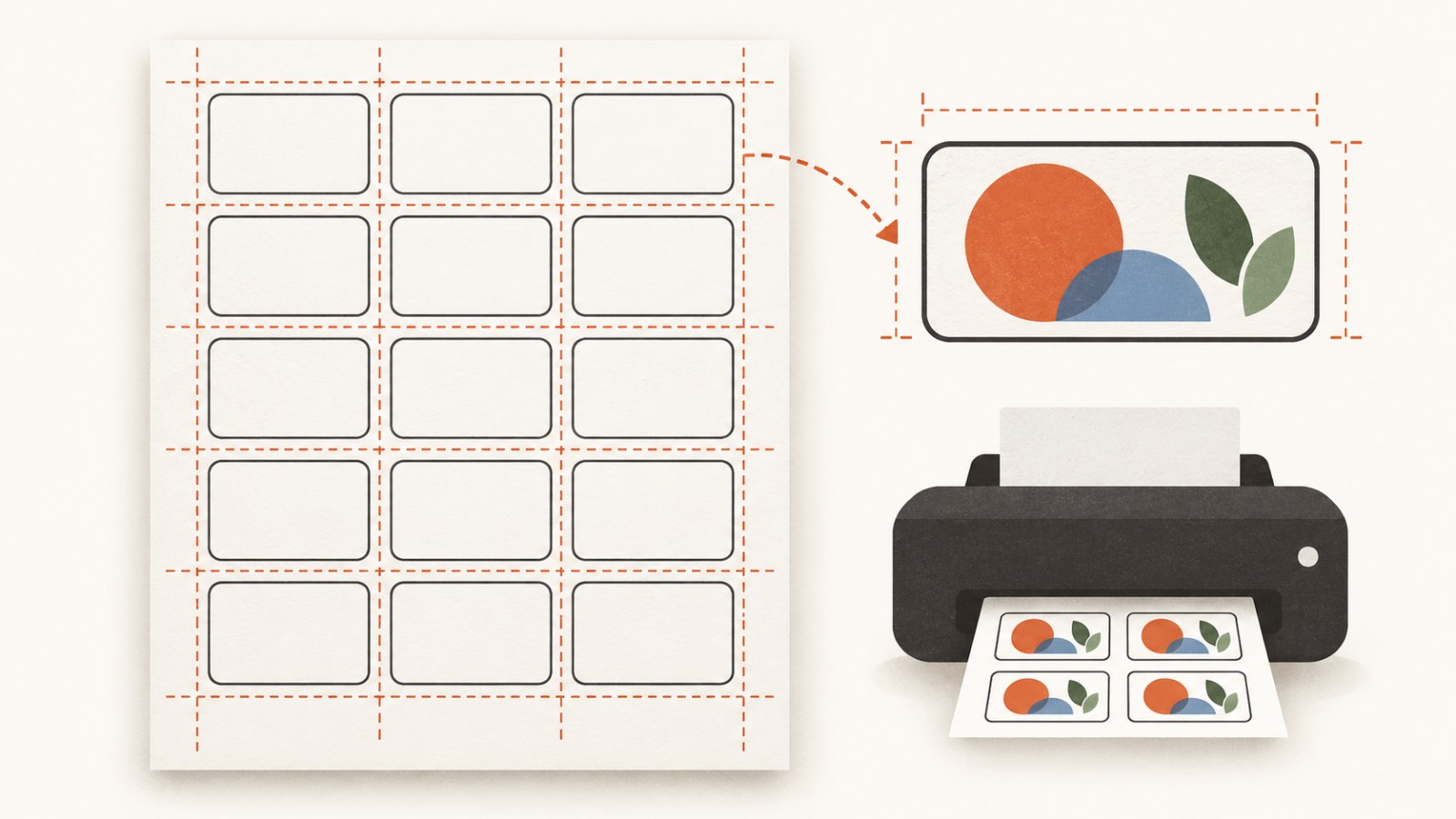
Prepare a Sheet of Matching Labels for Printing
Build a matching label sheet with real paper size, margins, gaps, safe zones and a practical test print before a full run.
Read guide →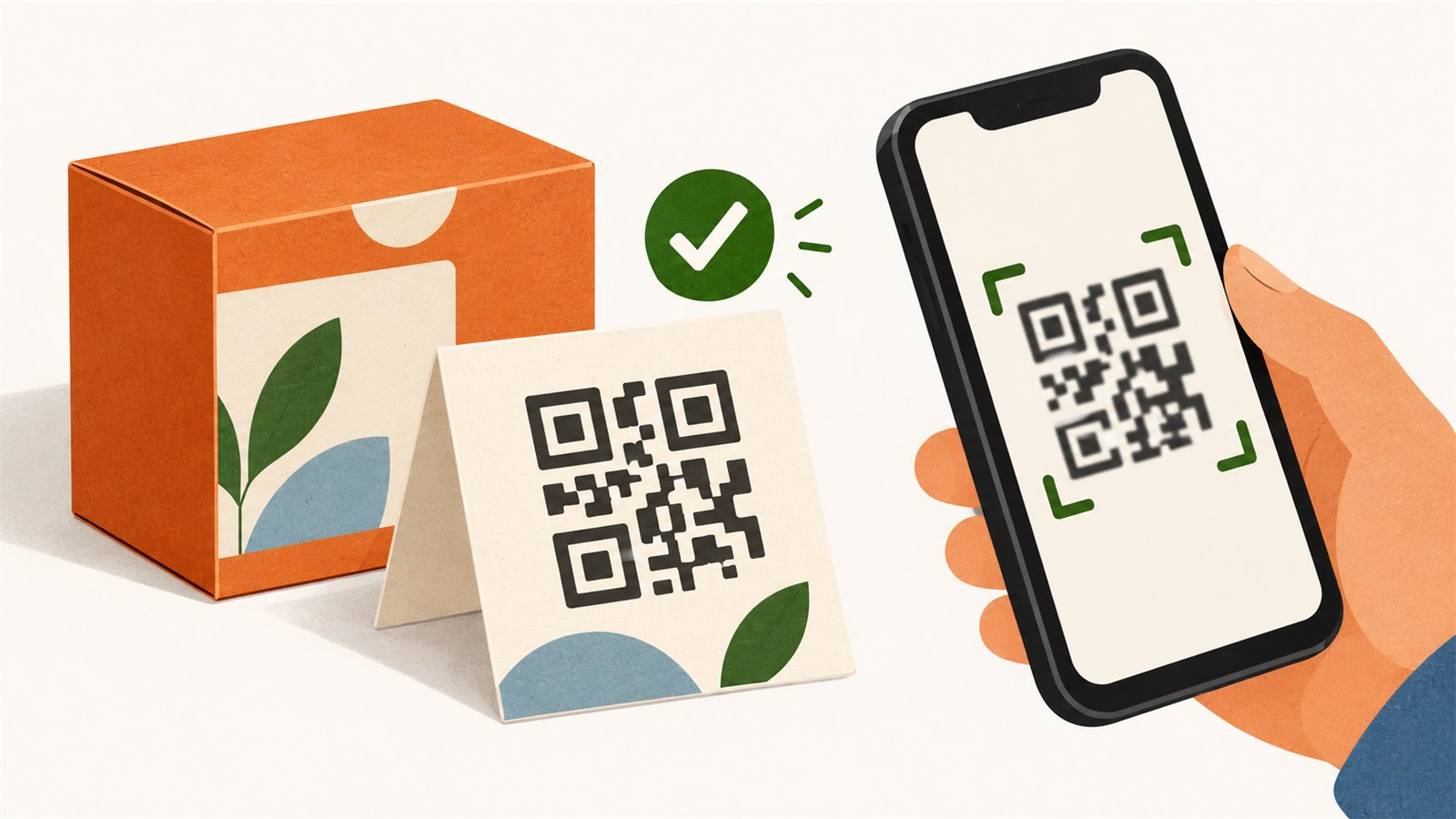 Sales and fulfilment
Use QR Codes for Products, Packaging and Instructions
Add QR codes to packaging or instructions: choose a useful destination, keep good contrast and test the final printed layout.
Read guide → Sales and fulfilment
Build a Clear ZIP Package for a Digital Product
Build a clear digital-product ZIP with readable filenames, a helpful README, simple folders and a final buyer-style review.
Read guide → Sales and fulfilment
Check Whether a Digital Product Is Ready Before Selling
Check files, names, sizes, instructions, previews, originals and the final delivery before publishing a digital product.
Read guide →Practical articles for SVG, laser and cutting work, product images and digital delivery. Search a topic or choose the part of your workflow you want to improve.