Digital products and selling
A digital product can seem finished as soon as the main file is ready. A buyer sees a different experience: they download an archive, read filenames, look for an instruction, view a preview on a phone and try to understand what to do first. A small problem at any point can become an avoidable question, an outdated file or a delivery that needs to be sent again.
A final readiness check helps you look at the delivery from the point of view of someone who did not create it. It does not inspect quality for you or guarantee compatibility with every application. Its practical value is simpler: it gives you a repeatable last review before publishing and records which version you actually checked.
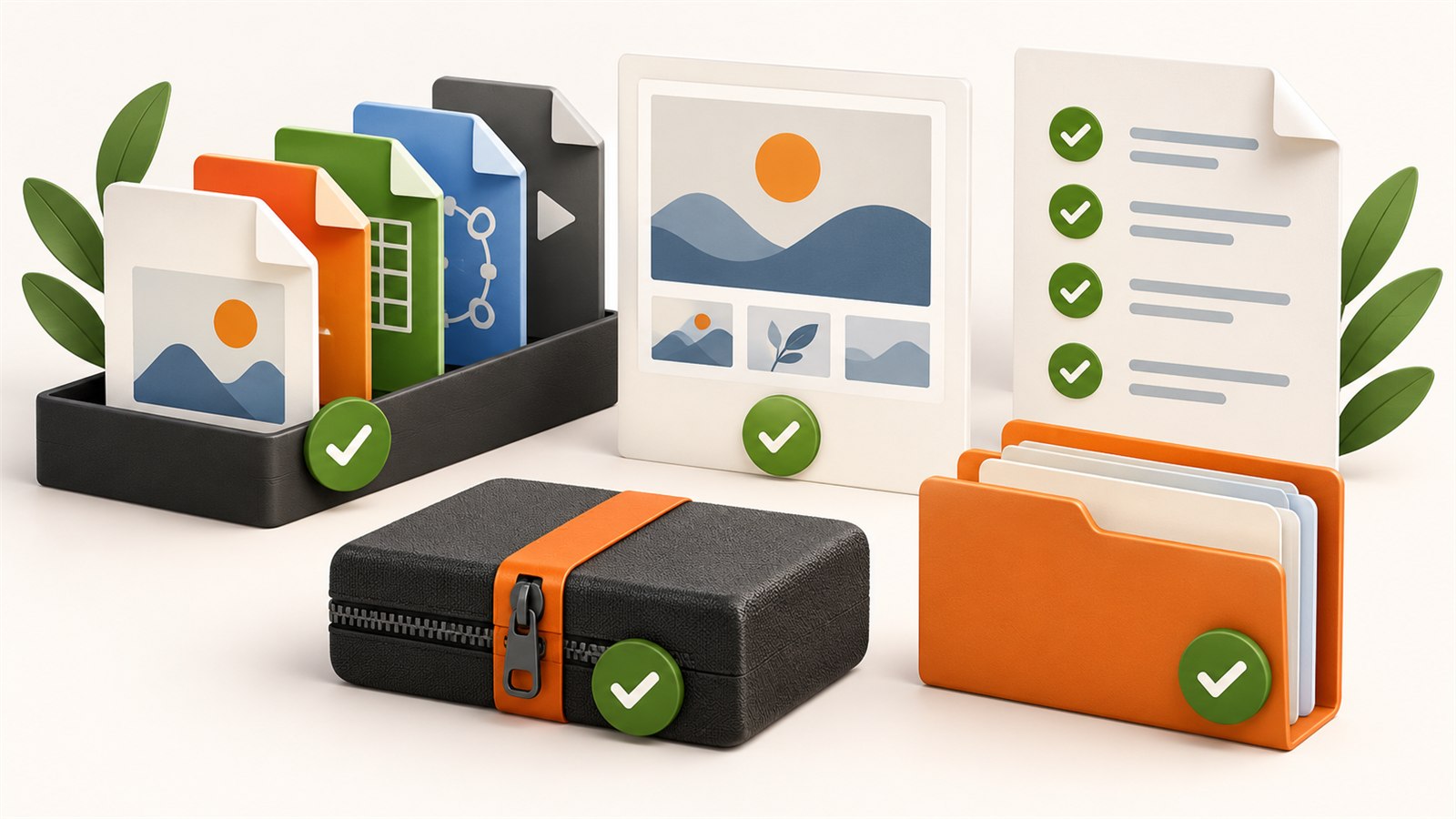
A ready product is more than one finished file: it is a clear delivery, helpful instruction and honest preview.
When a final review is worth doing
Review a product before its first publication, after changing a file, updating an instruction, replacing a preview or rebuilding a ZIP. This is especially useful for packages with more than one format: SVG, PDF, PNG, print templates, digital planners, instructions and variants may all have been prepared at different times.
The same review can help with an older listing. If one file changes, do not assume that the rest of the delivery is still obvious. A short repeat pass takes less time than trying to reconstruct an old package months later.
Build a separate delivery folder
Do not make the final review inside a folder filled with source files, drafts and intermediate exports. Create a separate delivery folder containing only what a buyer should receive. This makes extra duplicates, temporary images and outdated versions visible immediately.
Keep editable originals nearby in your own organised work, but do not mix them with the delivery. A source file is for future editing; a buyer copy is for downloading. When they are easy to confuse, it is much more likely that the wrong version will be published.
A step-by-step readiness checklist
1. Compare the delivery with the promise
Open the product description and list what it promises: file types, variants, instructions, licence information or supporting materials. Then compare that list with the delivery folder. Do not include a file merely because it existed somewhere in the project, and do not leave a promised file visible only in the preview or description.
2. Open the buyer-facing files
Confirm that every final file opens and looks as expected. For SVG, that may include visible size, paths and layers; for PDFs, page order and readable text; for images, crop and obvious artefacts. This does not require predicting every buyer’s software. It verifies that the copy you are providing is not damaged and matches the stated product.
If the product includes colour, size or language variants, do not test only one random example. Open at least one of every distinct type, and for a small package, open every file.
3. Check names and folders
Filenames should explain what a buyer is looking at. A pair such as final.svg and final-new.svg may be understandable today but not in six months. A pattern such as botanical-label-01.svg and botanical-label-02.svg is clearer.
The same principle applies to folders. A few direct folders by file type can help; a deep series of nested folders often slows down the first step. Open the package and try to find the main file without using your memory of the project. That is a useful test of the structure.
4. Confirm important size and purpose
When dimensions matter for printing, cutting or a finished template, check them in the appropriate application before selling. SVG can be interpreted differently by different software, and physical results also depend on the buyer’s own settings. Do not promise universal readiness for any device; explain that buyers need to verify parameters in their own workflow.
For raster images, review pixel dimensions, proportions and the important crop area. For digital pages, review order, margins and readability. The point is not a formal tick box but a match between the file and the purpose stated in the listing.
5. Read the instruction as a new buyer
A short instruction should not repeat the sales description. It should say where to start, what the package contains, where variants are located and which checks depend on the buyer’s own software, machine or material. Remove internal phrases only you understand, such as “use the usual settings” or “open the correct layer.”
If you include terms of use, check that they do not conflict with the listing. Legally significant wording needs separate professional review; a final product checklist is not legal advice.
6. Review previews on a small screen
Buyers often see previews before they ever see the files. View the finished images as thumbnails and on a phone. Is the main object clear without zooming? Is important text readable? Does a watermark hide the design? Does the preview honestly show what the buyer receives?
Review the entire set together. Different backgrounds, inconsistent spacing, changing colour treatment or a mixture of photos and bright collages can make a listing feel disconnected. The images do not need to be identical; they need a consistent principle.
7. Open the final delivery on its own
If the product is a ZIP, build it and extract it into a new empty folder. Open the main file, the instruction and a few variants from there. This removes the helpful context of nearby source files and shows the actual buyer experience.
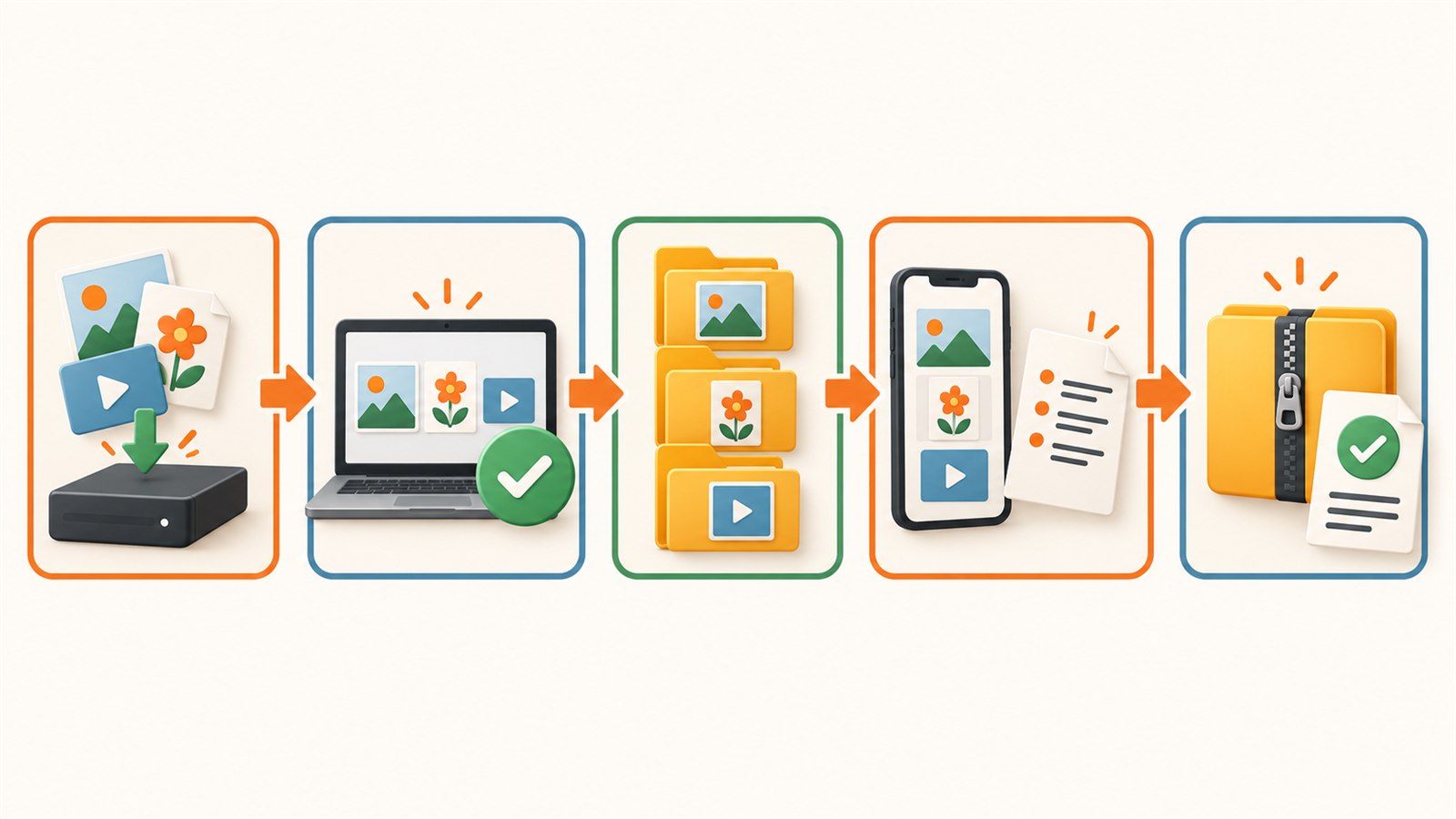
The final pass moves from checked files and clear names to previews and an independent review of the delivery itself.
Quick signs that a product is not ready yet
| Sign | What it often means | Practical check |
|---|---|---|
| You cannot name the main file in a few seconds | The package has no obvious starting point | Rename it or add a README |
| The folder contains many “final,” “new” and “copy” files | Working stages entered the delivery | Keep only intentional buyer versions |
| The preview works only at large size | Important detail is too small or hidden | Check thumbnail and phone views |
| The archive opens, but you are unsure what it contains | It was built without extracting and reviewing it | Extract it in an empty folder |
| The instruction feels outdated | Filenames or files changed after it was written | Update the instruction and repeat the final pass |
What a checklist does not do for you
No list can guarantee that a file will work with every printer, laser, cutting machine, application or operating-system version. It also does not replace a material test or a check of current platform requirements. Its value is in the sequence: you rely less on memory and catch obvious mismatches earlier.
It can be helpful to save a brief record of the review: date, delivery version and what you opened. If the product changes later, you have a clear starting point instead of searching through old archives.
Frequently asked questions
Should I review a product again after a small change?
Yes. Repeat the steps affected by the change and then review the final delivery. Even a filename change can make an older instruction wrong.
Do I need to open every file?
For a small bundle, that is sensible. For a large bundle, at minimum open the main file and a representative example of every different type and variant. Do not skip categories with different purposes.
Is a ZIP ready when it has been created successfully?
No. Successful creation only means that an archive was made. Extract it and review its contents as the buyer will receive them.
Which matters more: the preview or the instruction?
They serve different stages. A preview should show the product honestly before purchase; an instruction should help after download. Neither replaces the other.
Should old product versions be kept?
Keep your editable originals and a clear record of the published delivery when that helps support and updates. You do not need to put every historical version into the buyer ZIP.
Can this checklist be used for physical products?
Some parts, such as clear previews and instructions, are useful more broadly. This checklist is designed primarily for digital file delivery; physical products need additional production and packaging checks.
Next practical step
Choose one existing digital product and review it outside the working folder. Record the delivery version, extract the final ZIP, open the instruction and look at the previews on a phone. Any step you have to explain to yourself is a good improvement to make for the buyer.
Keep learning
Choose another practical guide or return to the tools for the next step.