Designers
Clean up and resize your work in seconds.
Free · private · browser-based
Free browser-based tools for SVG, Cricut, laser cutting and digital product files. No sign-up, no uploads to a server — everything happens right in your browser.
Browse by task

Find file issues before cutting, engraving or delivery.
→
Set dimensions, clean up the visible area and arrange parts on a sheet.
→
Crop, resize, compress or convert a useful image copy.
→
Prepare a photo for engraving and compare a careful material test.
→
Protect previews, package files and prepare a clear delivery.
→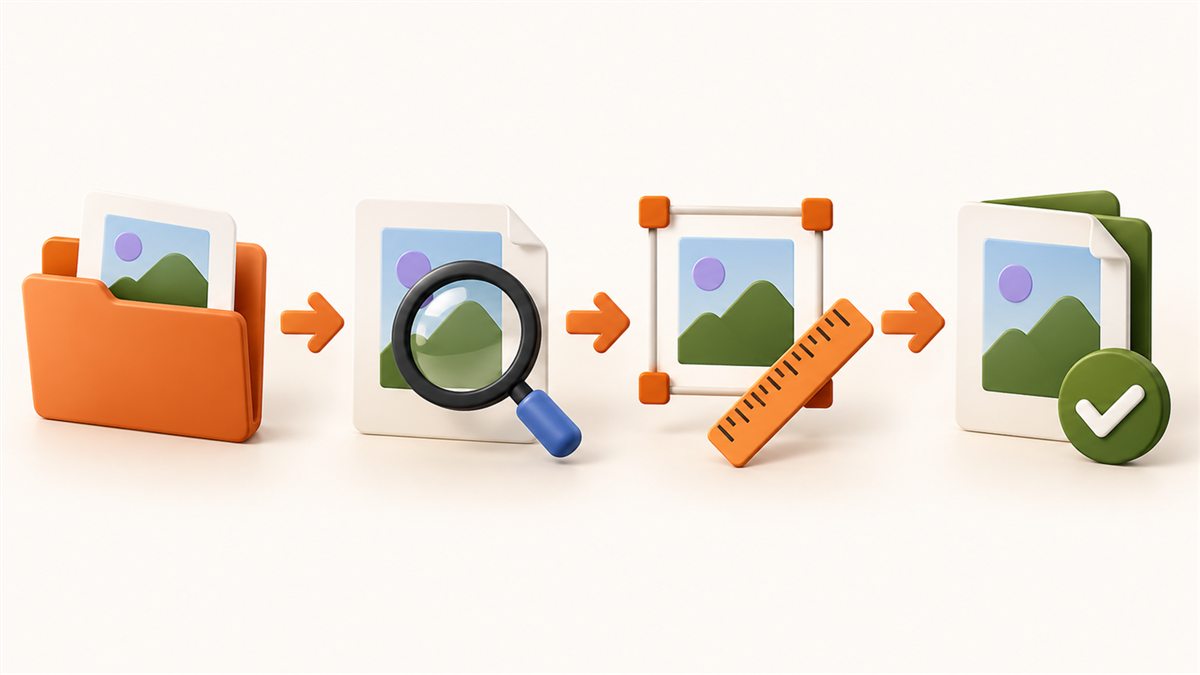
Follow practical steps from the first file to a ready result.
→Featured FilePrepKit tools
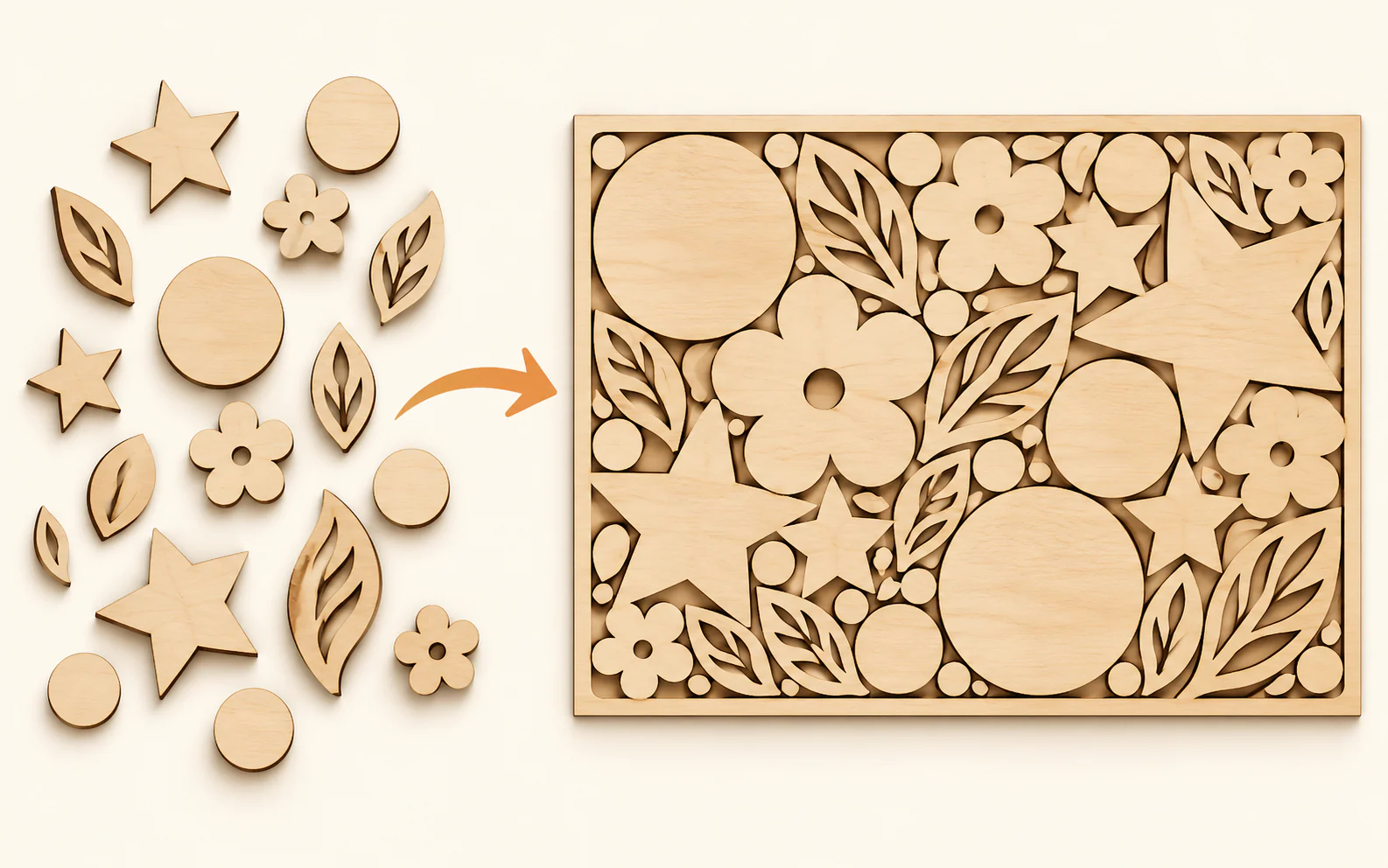
Lay out parts with margins, spacing and rotation before using material.
Proceed to tool →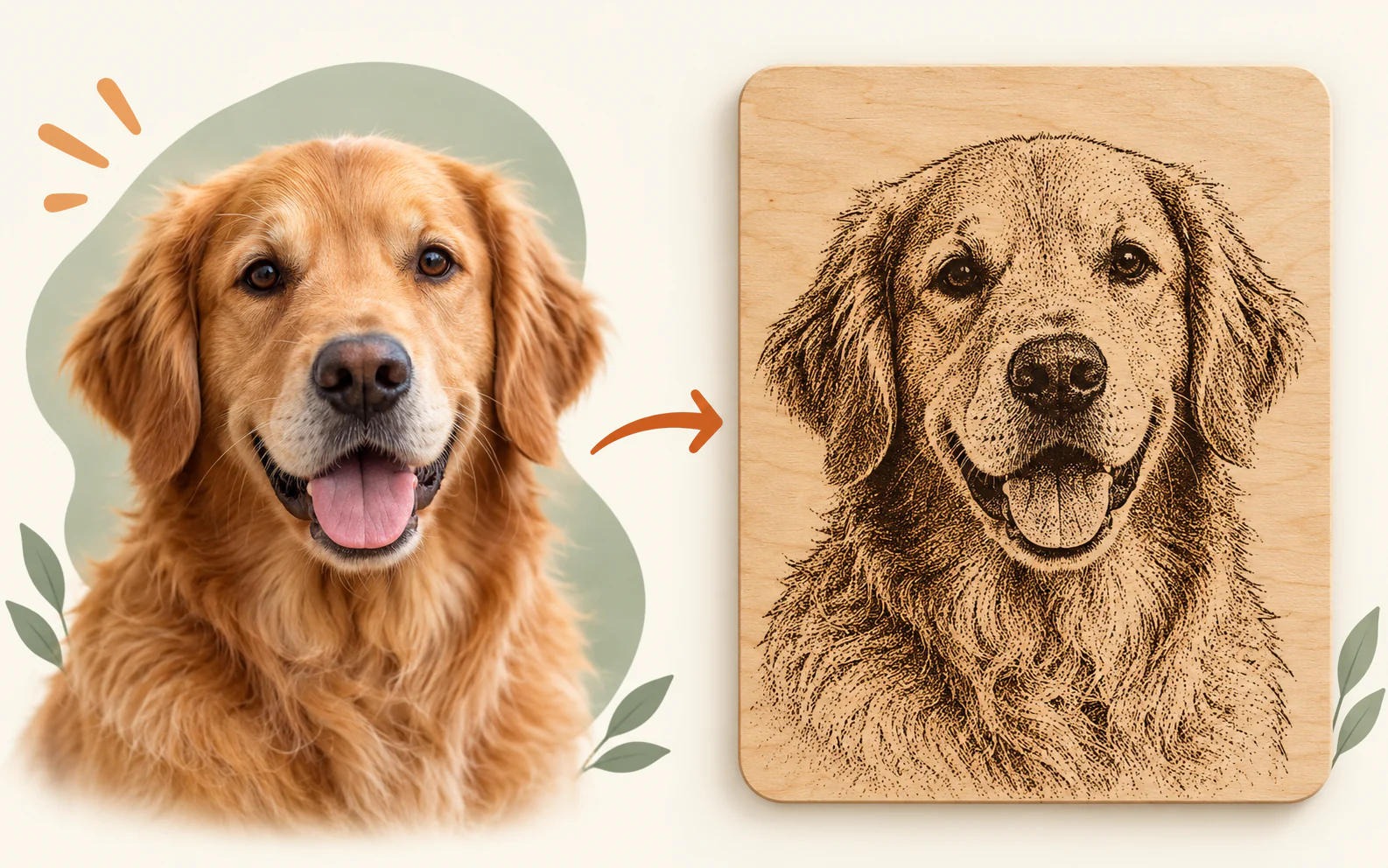
Create a controlled engraving-ready PNG and test it on real material.
Proceed to tool →
Set a clean frame, pendant or product-preview shape before export.
Proceed to tool →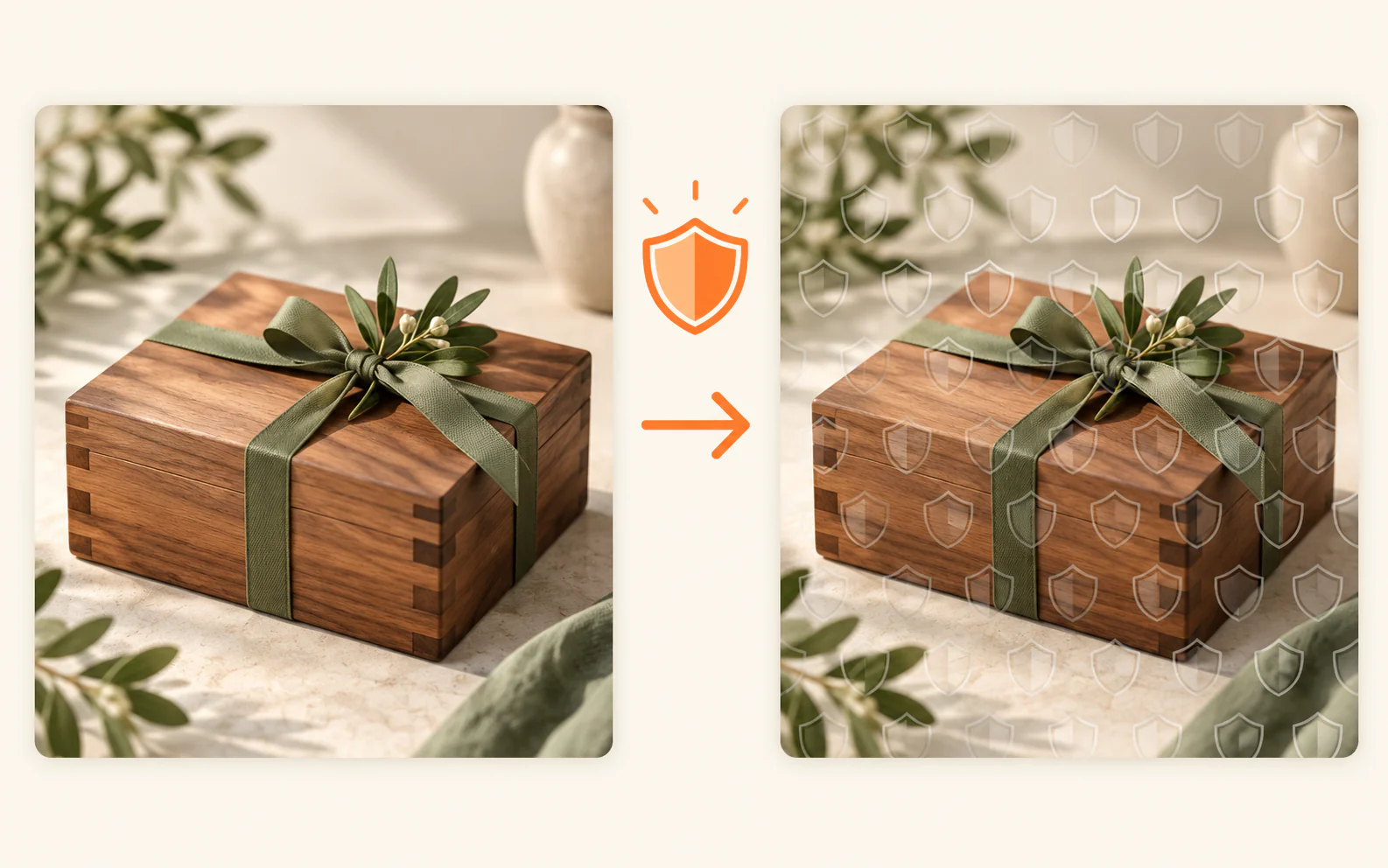
Protect previews for listings, your website and client approval.
Proceed to tool →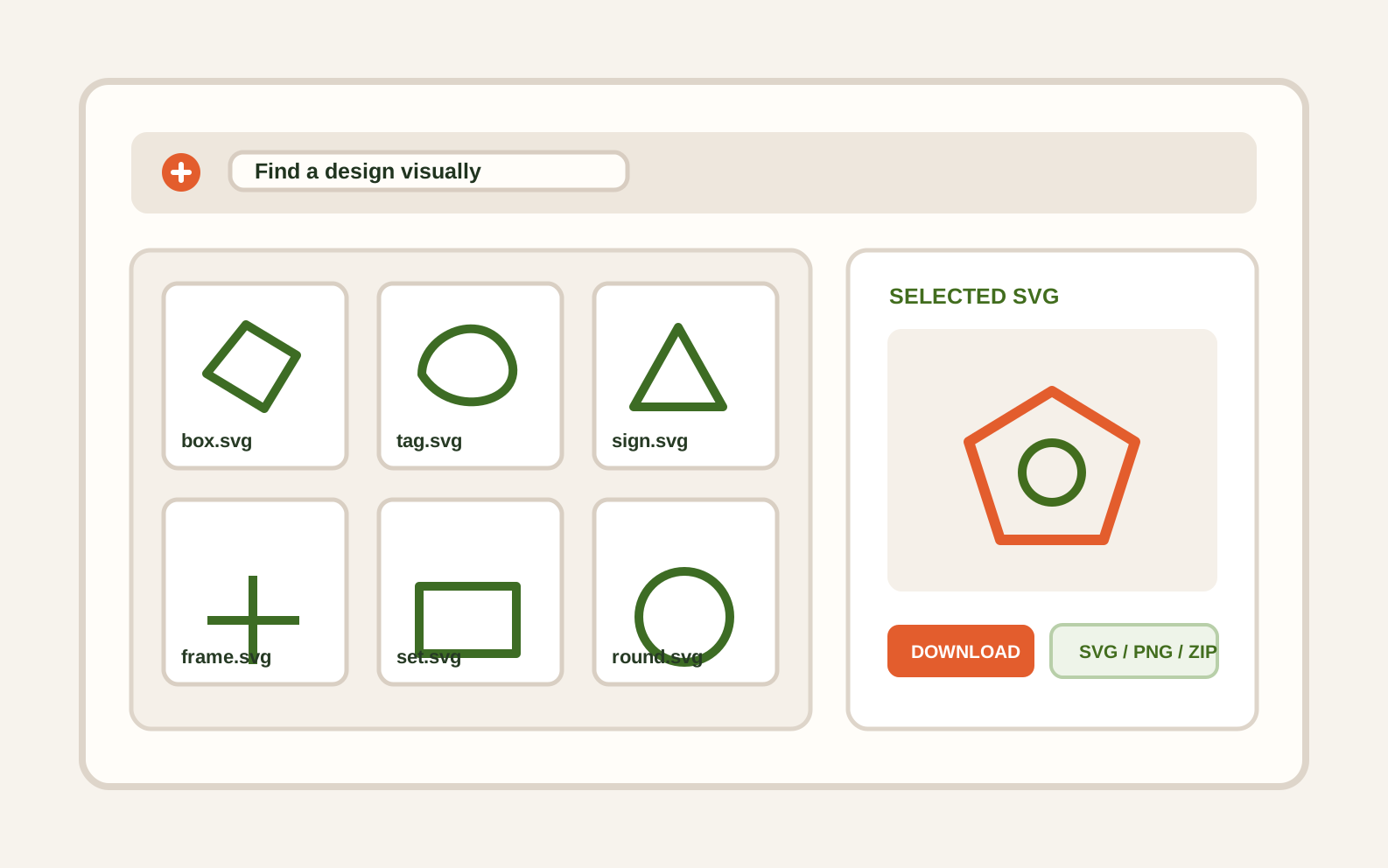
Find designs visually, select only what you need and keep originals untouched.
Proceed to tool →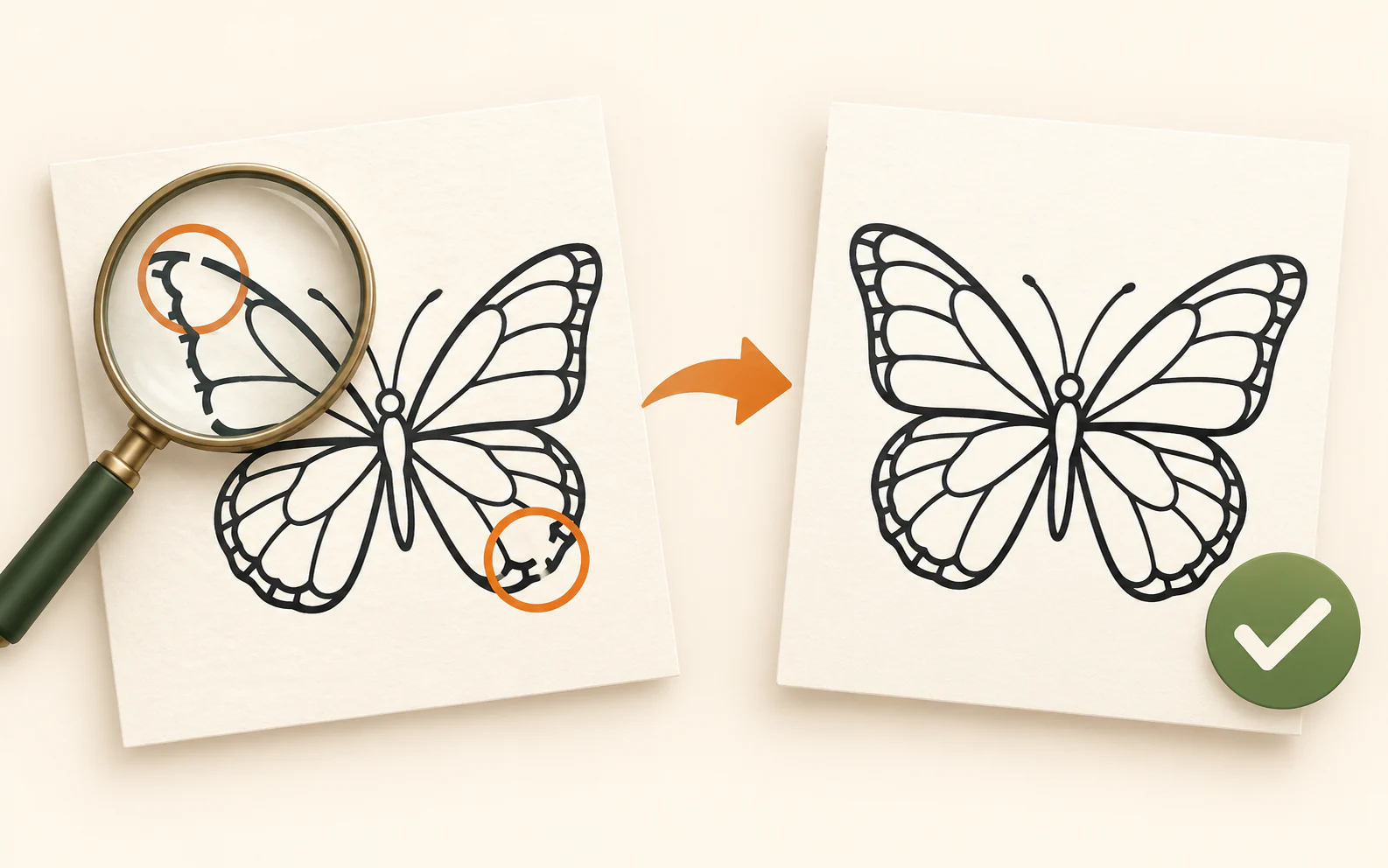
Find common file issues before they become a production problem.
Proceed to tool →Made for your workflow
Clean up and resize your work in seconds.
Prep cut files without the guesswork.
Turn any photo into an engraving-ready image.
Package and protect your files before you sell.
Ready when you are
Most file conversion sites are built to handle anything, for anyone — which usually means they handle nothing particularly well for people doing this specific kind of work. FilePrepKit is built the other way around: every tool exists because it solves a specific, recurring problem for people who cut, engrave, or sell digital files, not because it's a generic feature.
That focus shows up in small ways: a checker that specifically looks for the kind of open paths that ruin a laser cut, a photo tool built around dithering instead of generic filters, a watermark tool designed around what actually protects an Etsy preview rather than a decorative stamp. None of it is trying to be an all-purpose design suite.
It's also built around a simple privacy principle: your files are processed directly in your browser and never uploaded to a server. That's not a marketing claim — it's a direct consequence of how the tools are built, and it means your unreleased designs, client files, or unlisted products stay on your device the entire time.
 SVG and file preparation
Plan margins, gaps and rotation before using material.
Read guide →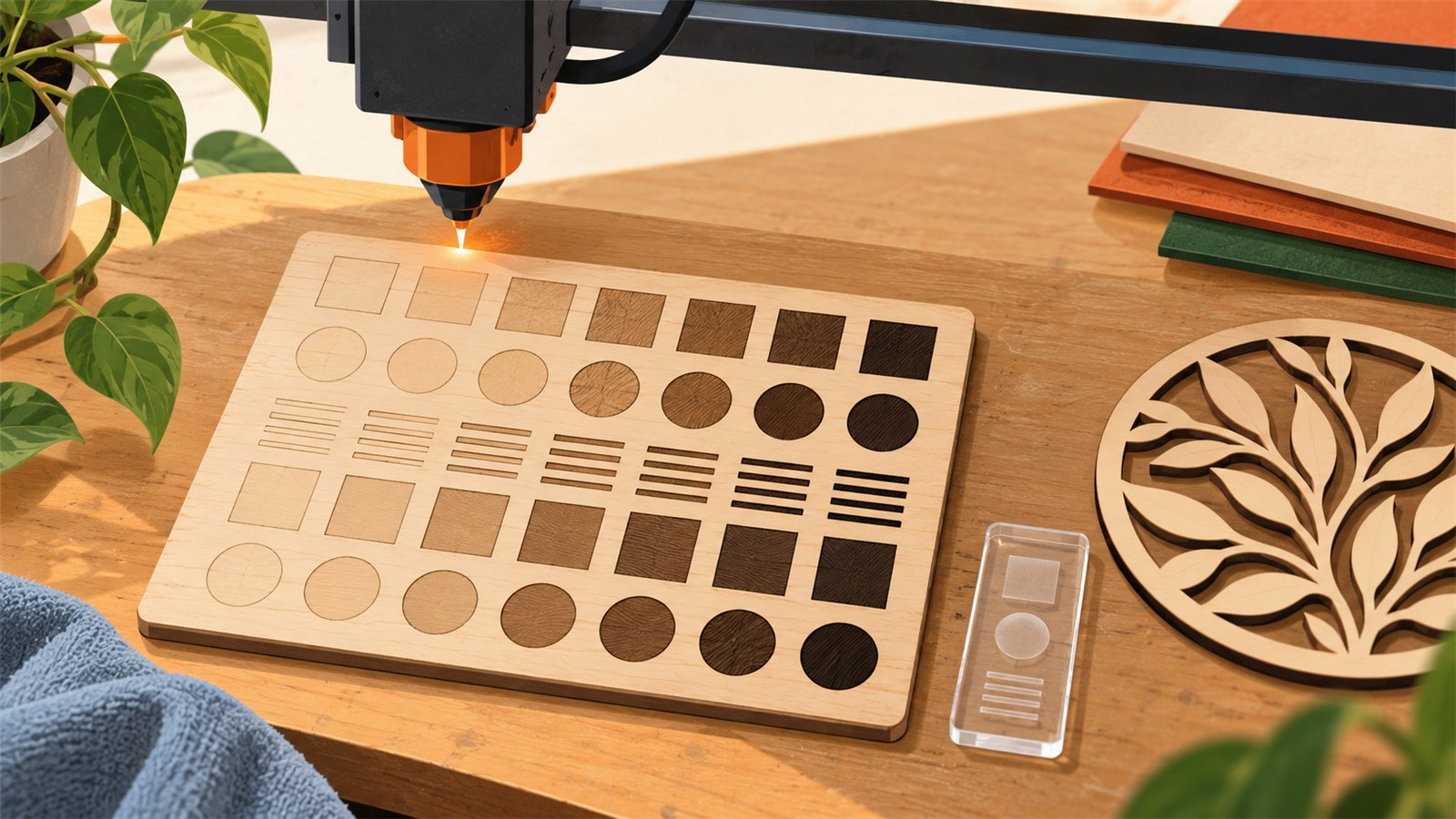 Laser and engraving
Compare a controlled test on real material before production.
Read guide →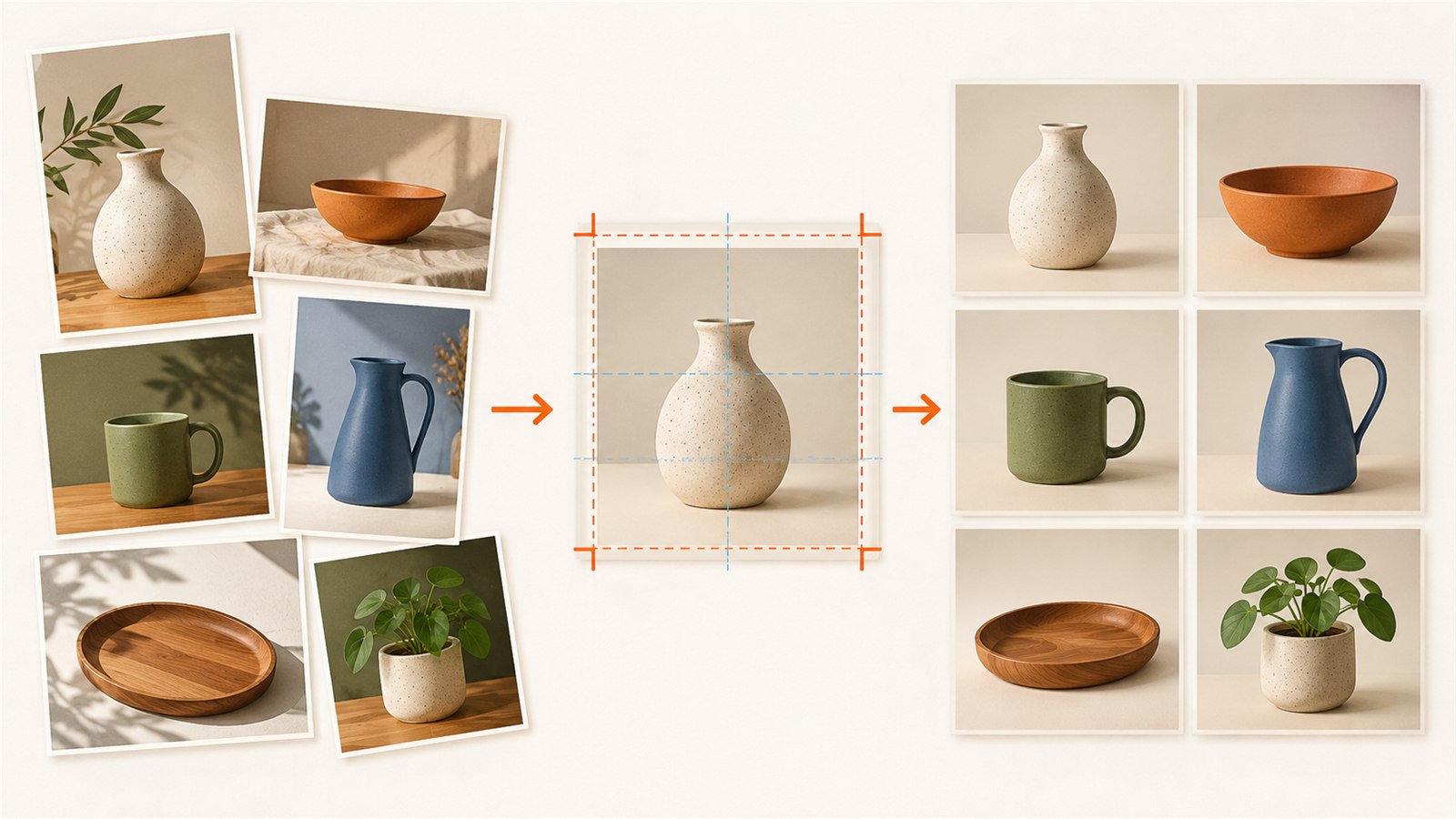 Digital products and selling
Keep a product-image series clear and consistent.
Read guide →