FilePrepKit catalog
Tools for real file work
Choose the part of your workflow you are working on. Every tool runs locally in your browser.
Prepare SVG
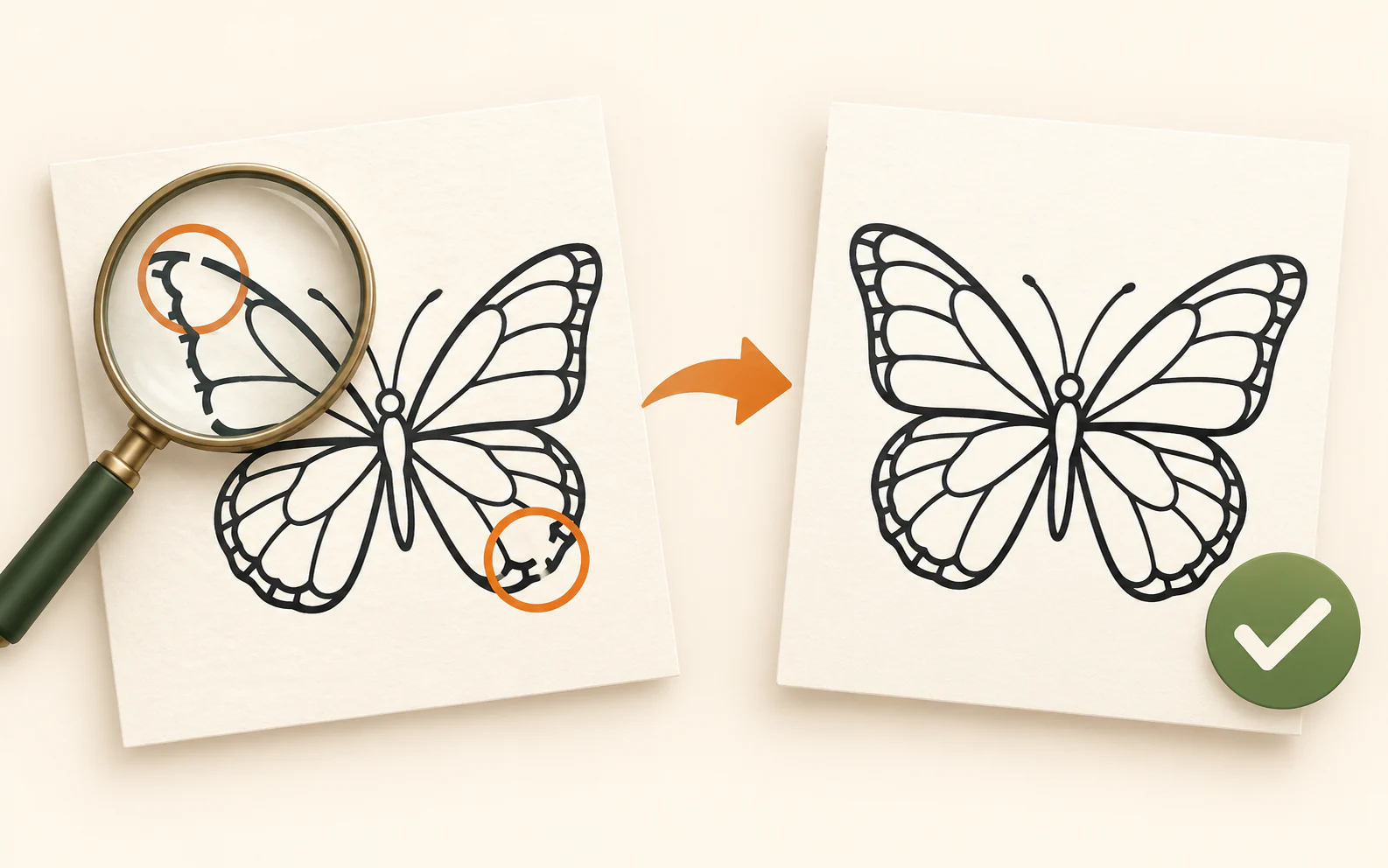
Check an SVG before cutting
Review paths, physical size, raster images, fine details and whether the artwork fits your laser bed — before a test cut or production run.
Start working →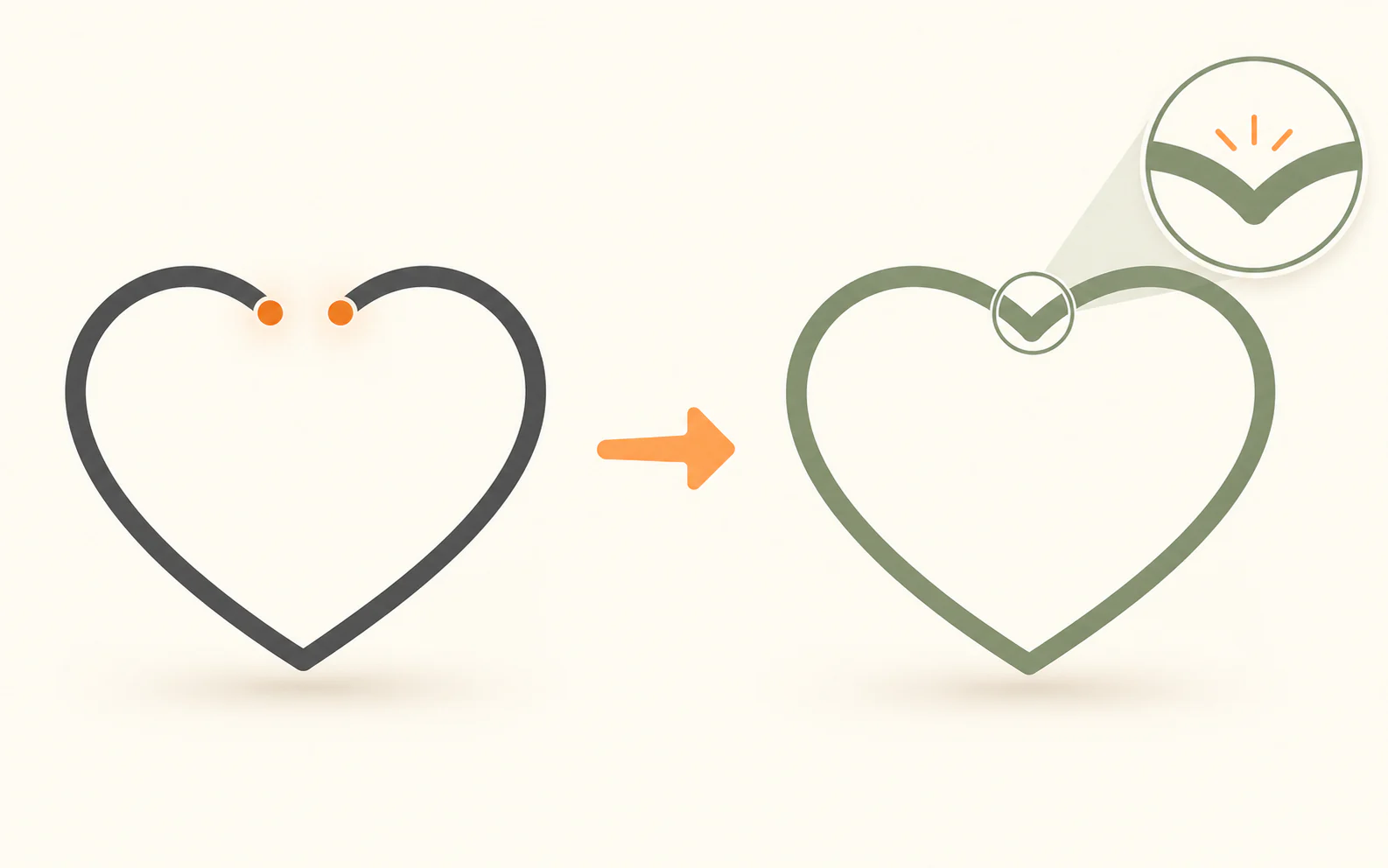
Close small gaps in SVG contours
Inspect open paths, select only confirmed small gaps, then download a separate corrected SVG copy.
Start working →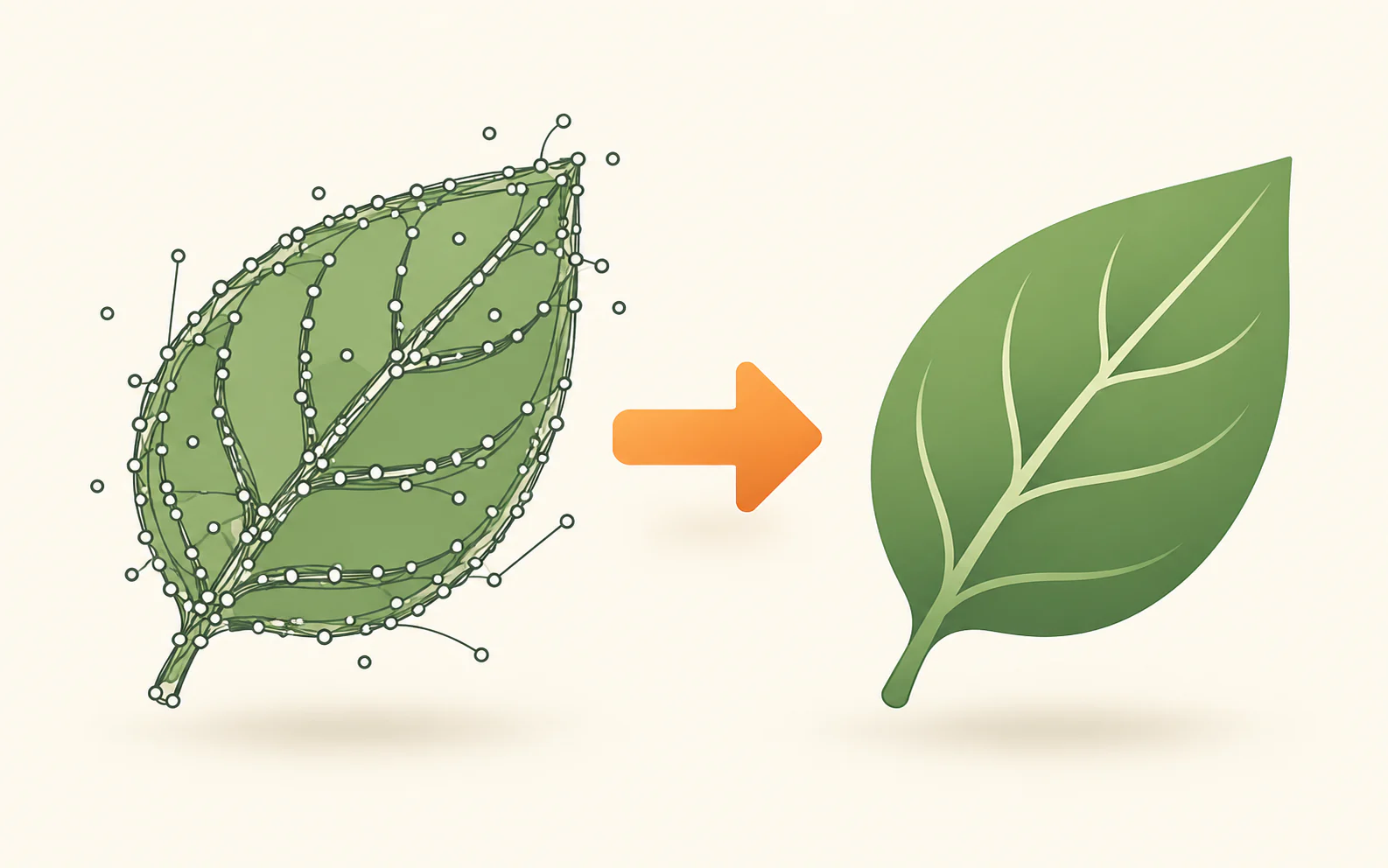
Clean SVG export clutter without changing cut geometry
Remove technical metadata and unsafe code locally. Precision-changing compacting is optional and off by default.
Start working →
Crop empty SVG margins
Set an automatic or manual crop frame around the visible artwork, then download a separate SVG copy.
Start working →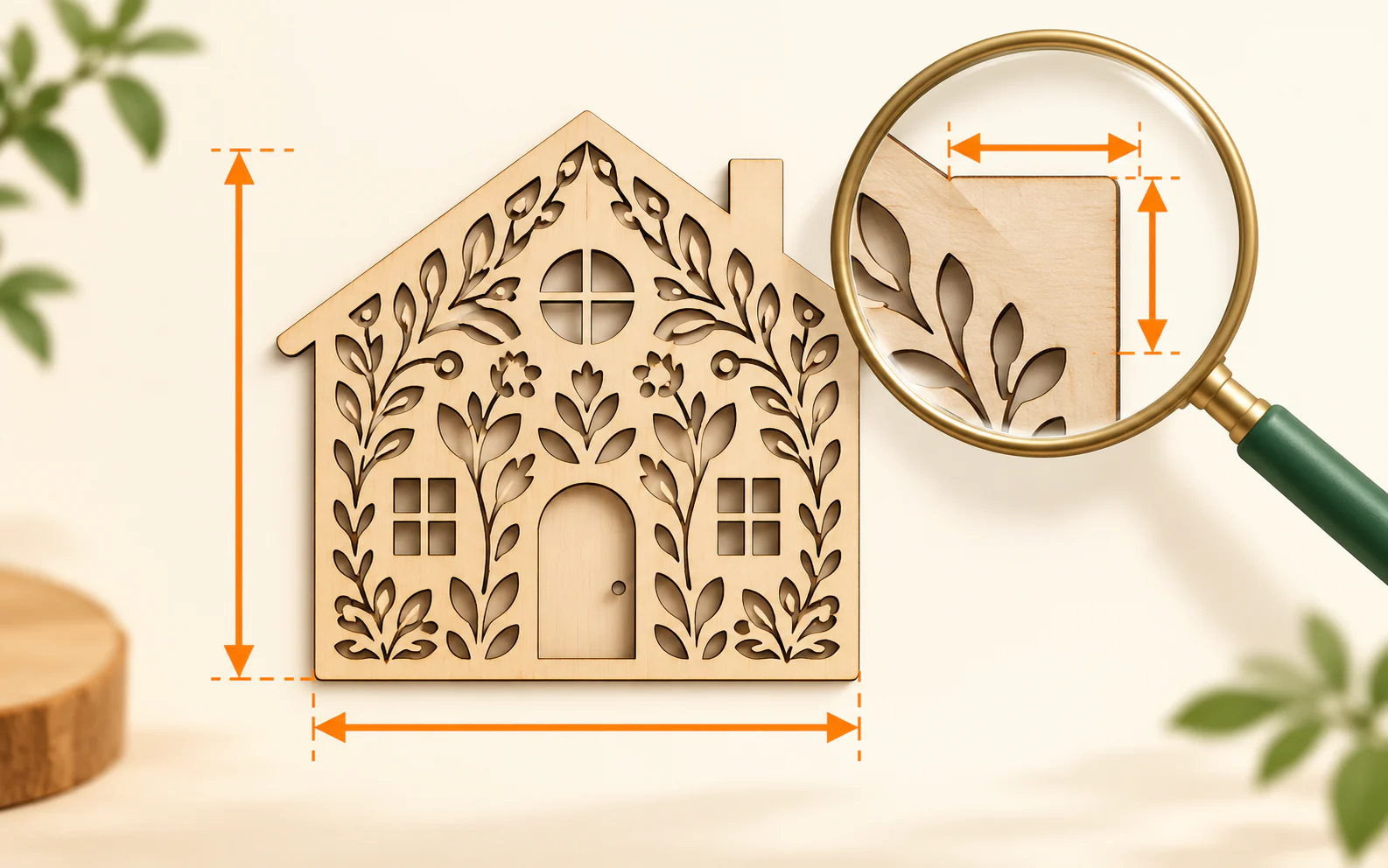
Set the physical size of an SVG
Open a design, see its real physical dimensions, then save a separate copy at the size your laser, cutter, printer or project needs.
Start working →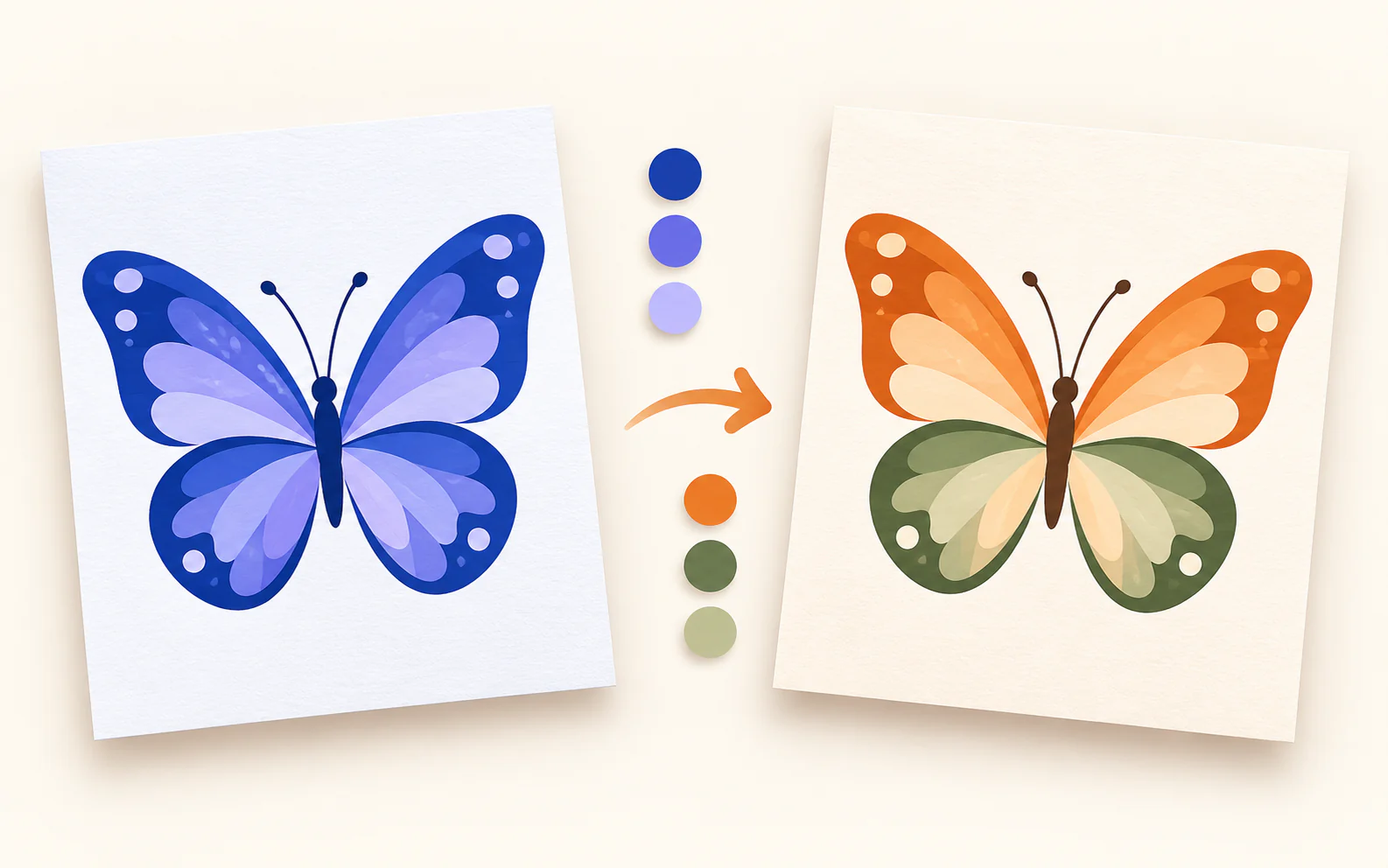
Recolor your SVG
Change ordinary SVG fills and strokes locally in your browser.
Start working →
Split solid SVG colours into separate files
See every solid colour in a laser file, inspect the matching objects, then export a combined selection or separate colour layers.
Start working →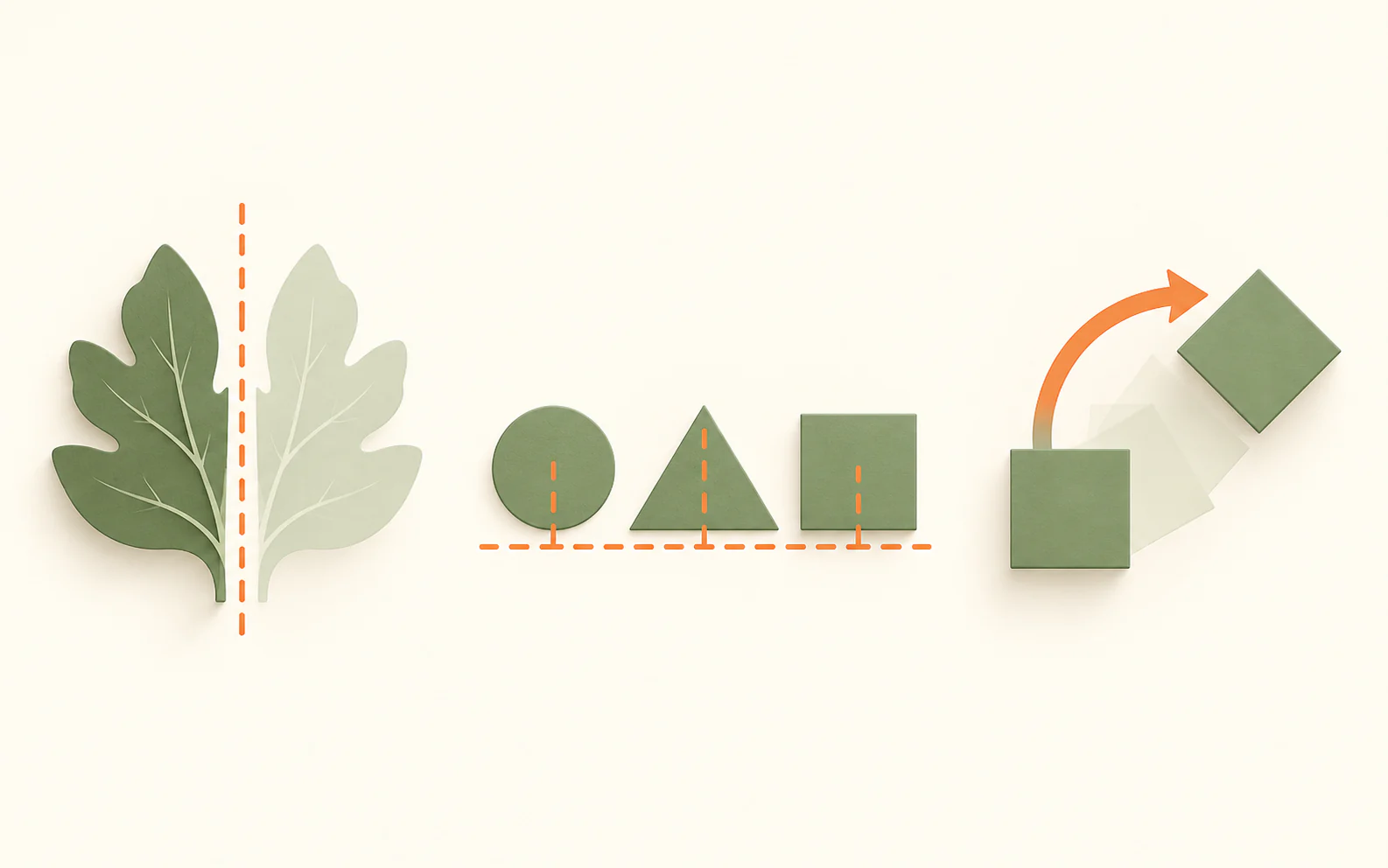
Mirror, align and rotate your file
Preview SVG and image artwork, choose rotation and alignment, then download a separate copy.
Start working →Designs and layout
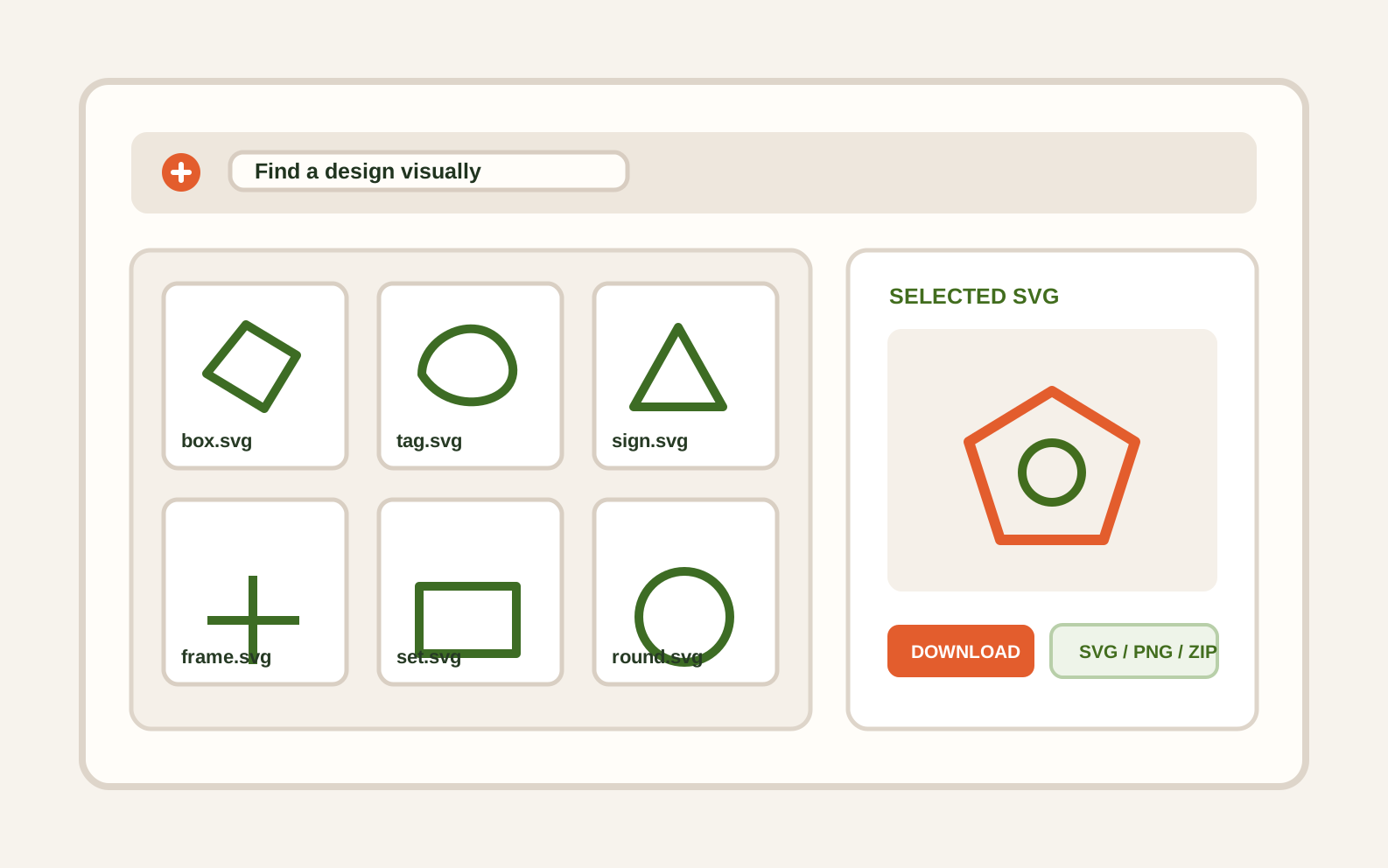
Find the right design without opening every file
Open SVG, PNG, a ZIP archive or a folder of your files. Browse large previews, search by name and download a separate copy.
Start working →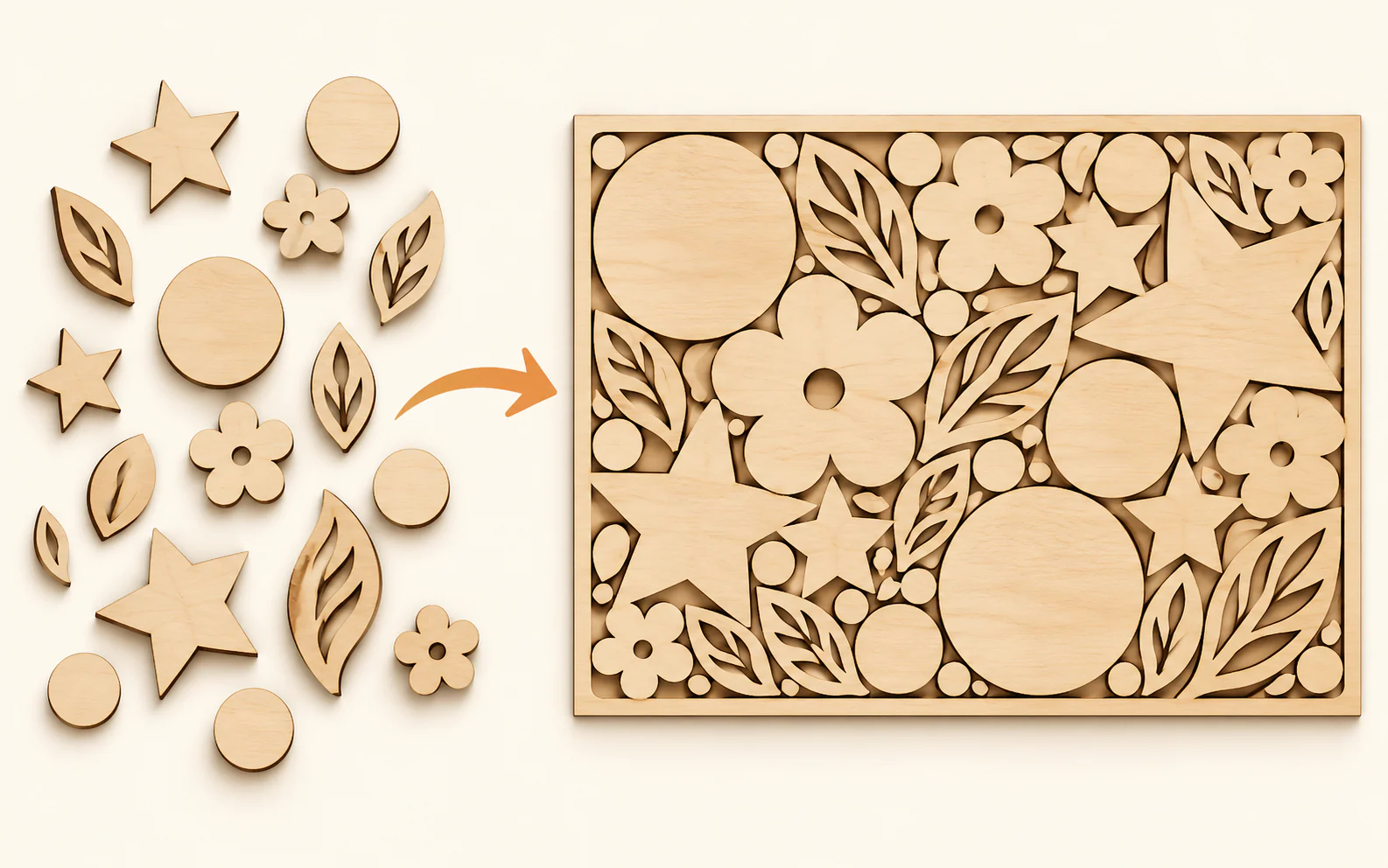
Arrange SVG parts on your material sheet
Set your sheet size, safe edge margin and spacing. Review a clear local layout before downloading one SVG sheet per result.
Start working →
Number separate SVG parts before production
Add a clear label layer to top-level SVG parts so pieces are easier to sort, pack and assemble after cutting.
Start working →Image editing
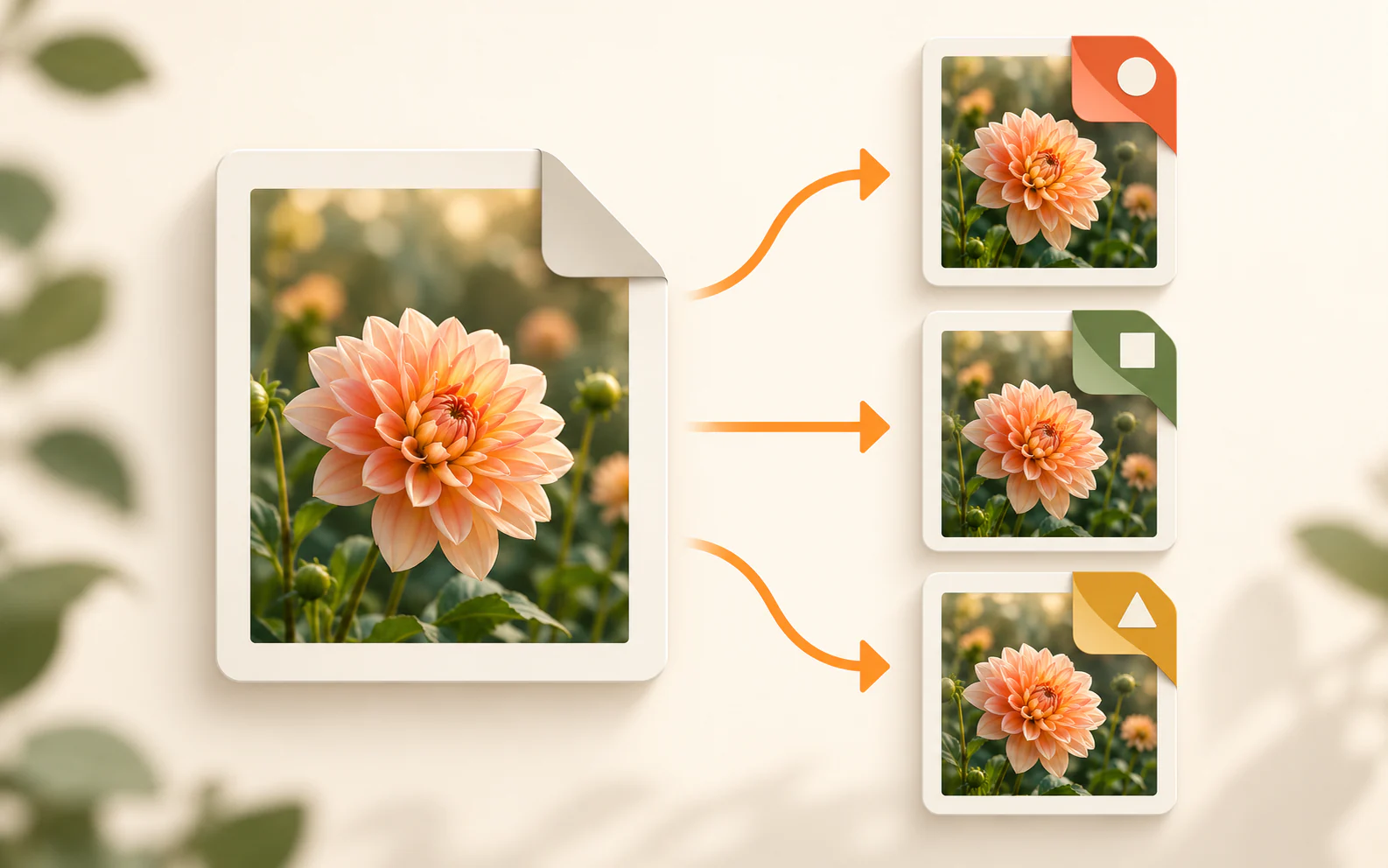
Convert image formats
Turn JPG, PNG and WebP images into the format you need. Your image stays on this device.
Start working →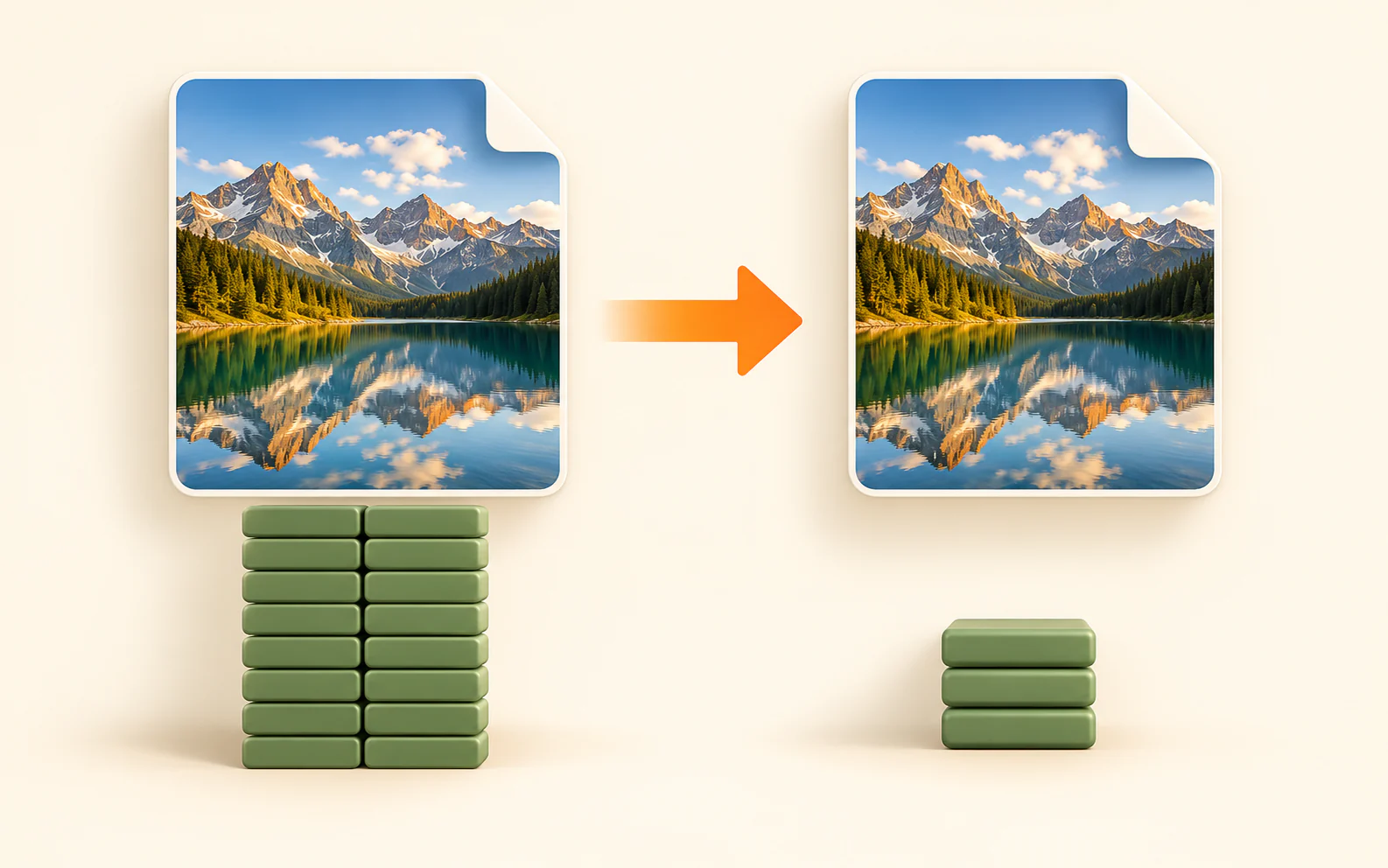
Compress images without uploading
Make JPG, PNG and WebP files lighter for your website, marketplace listings, social posts, messages or email. Your original stays on this device.
Start working →
Resize your image
Change PNG, JPG or WebP dimensions locally in your browser.
Start working →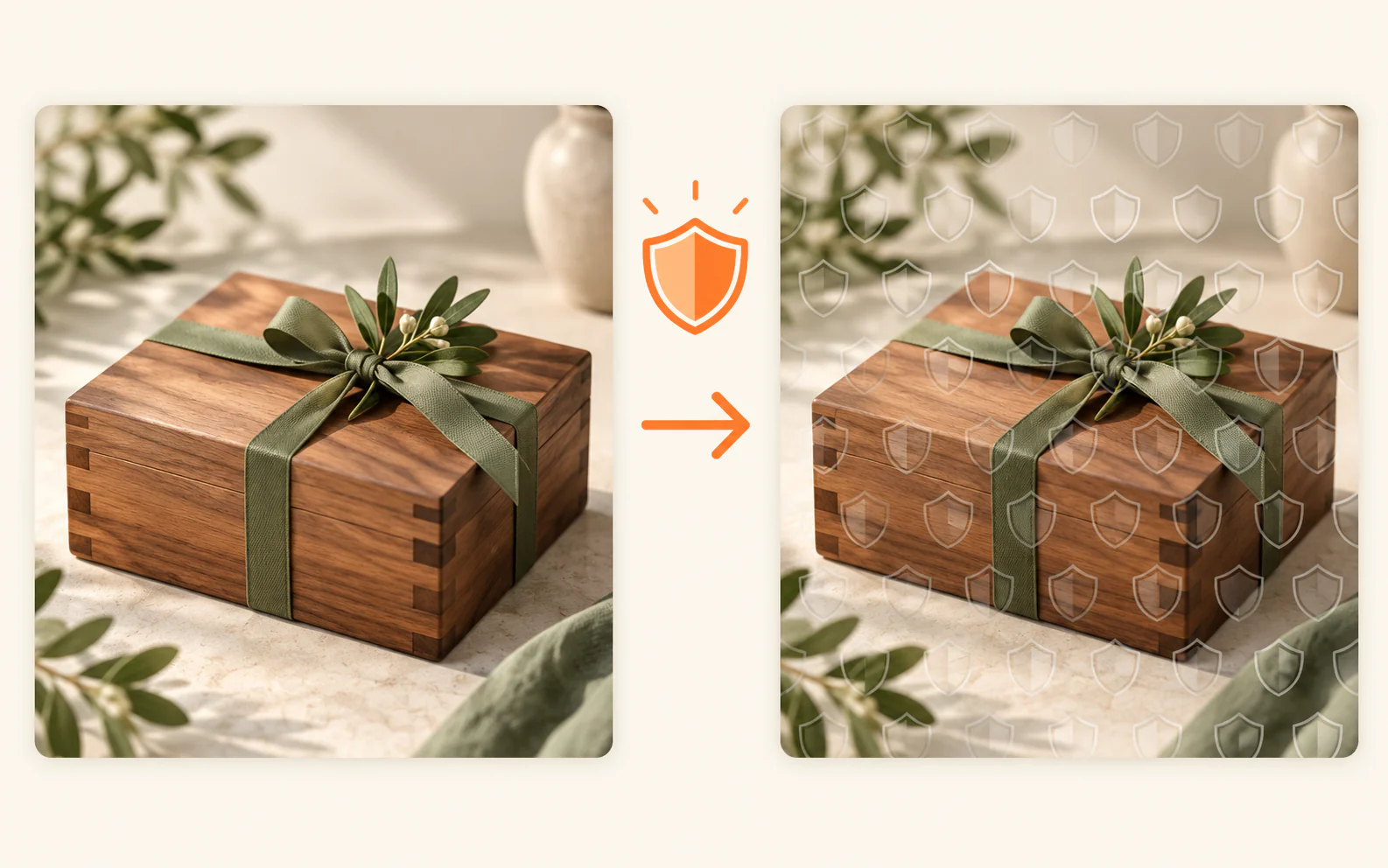
Watermark your preview images
Protect previews for Shopify, Creative Market, social media, your website or a client delivery — with a text or logo watermark.
Start working →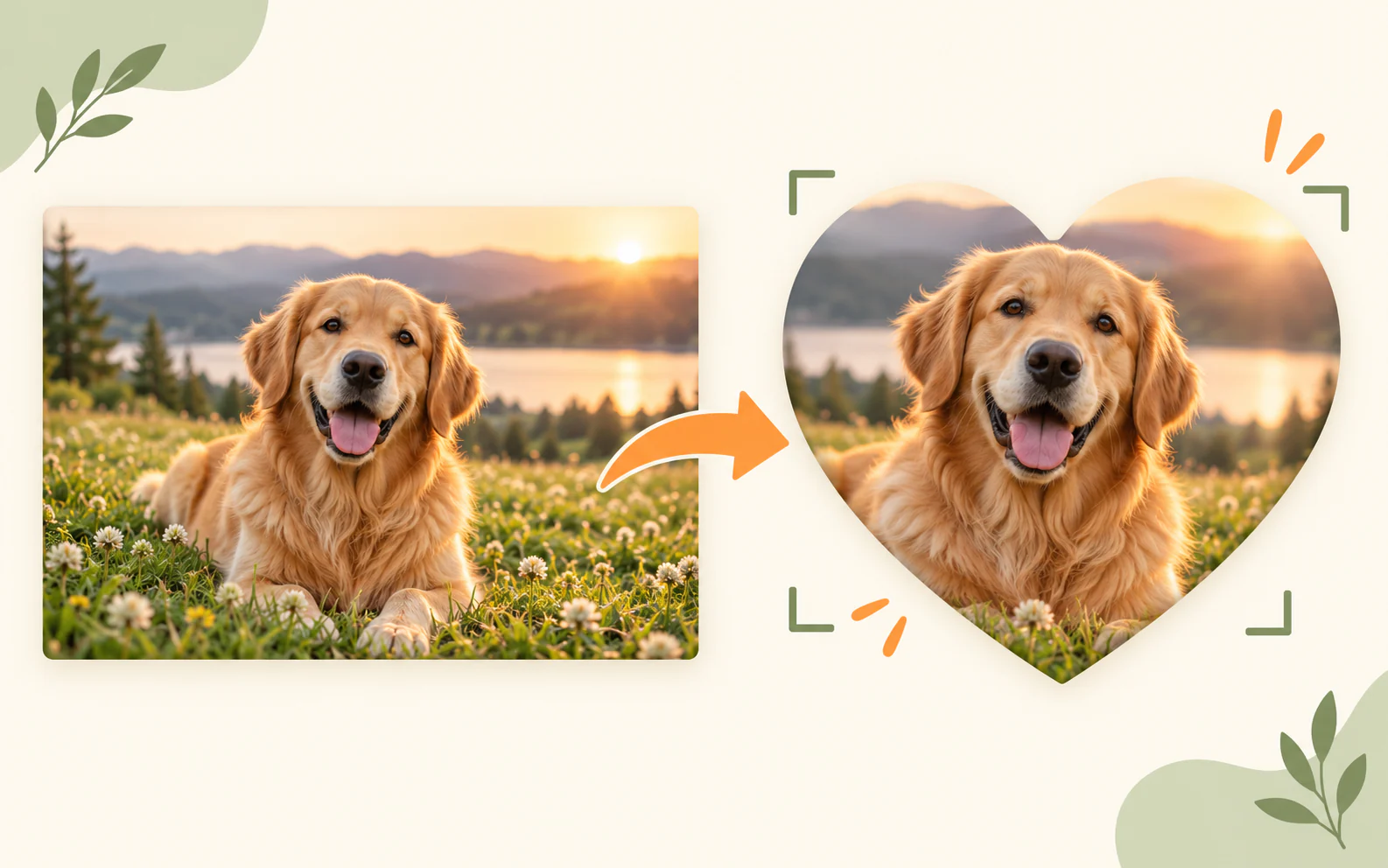
Crop a photo to your exact frame or shape
Set a finished size, position the photo inside an editable shape, then download a transparent PNG — entirely in your browser.
Start working →Laser workshop
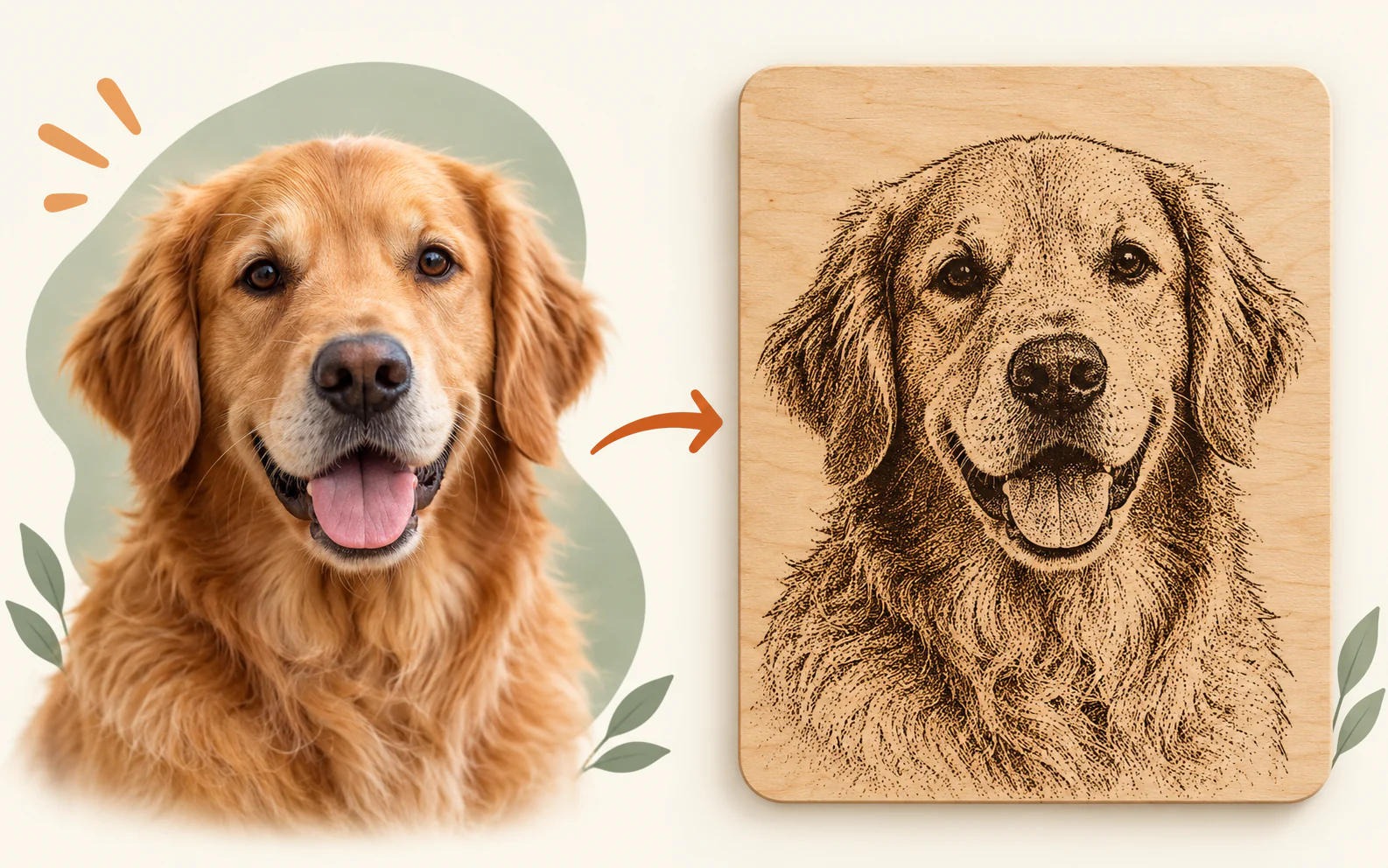
Prepare a photo for laser engraving
Make a grayscale or black-and-white engraving preview locally, then export a ready PNG.
Start working →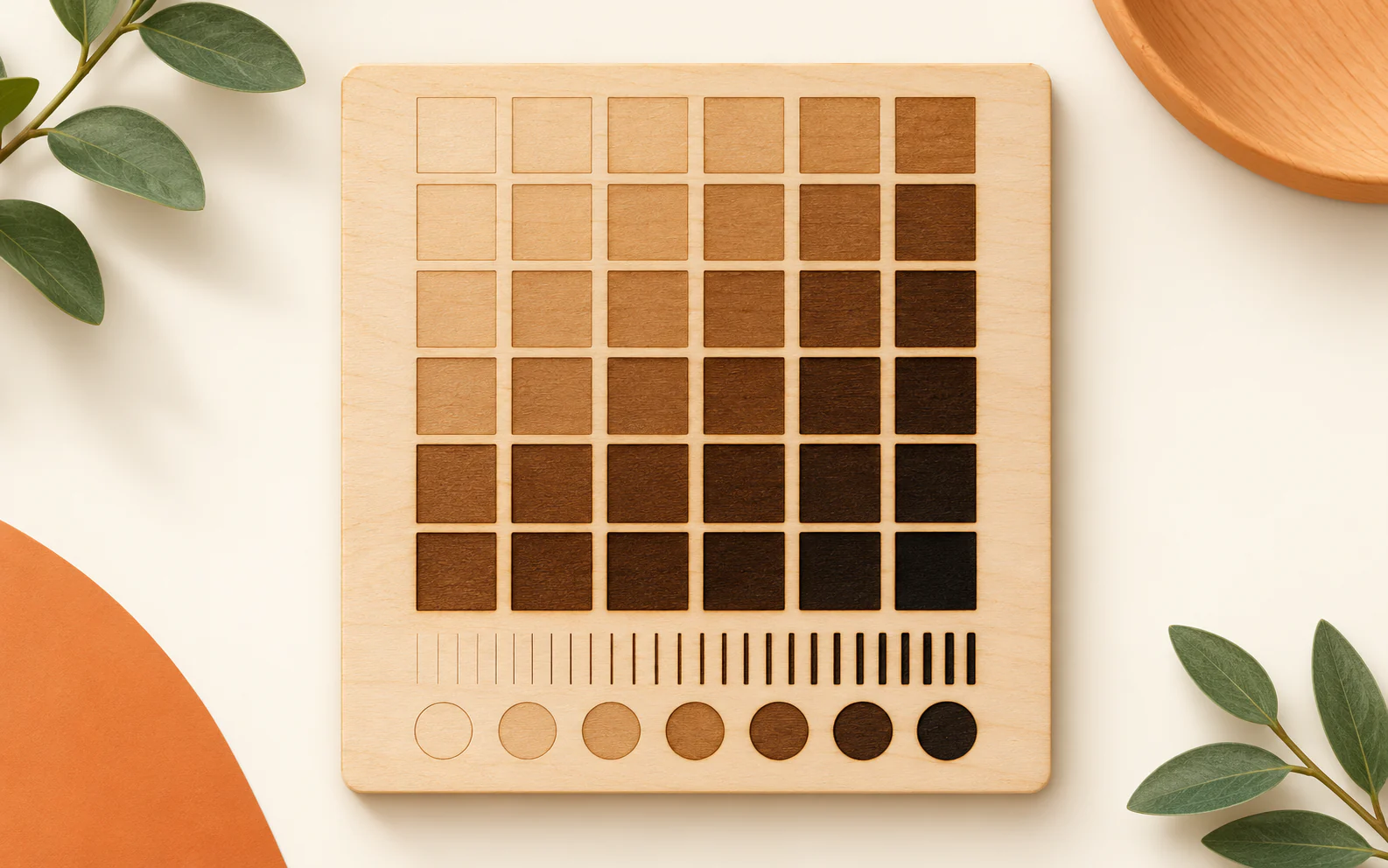
Create a laser material test grid
Build a labelled SVG table for a small material offcut. Compare a limited power and speed range before you run a full job.
Start working →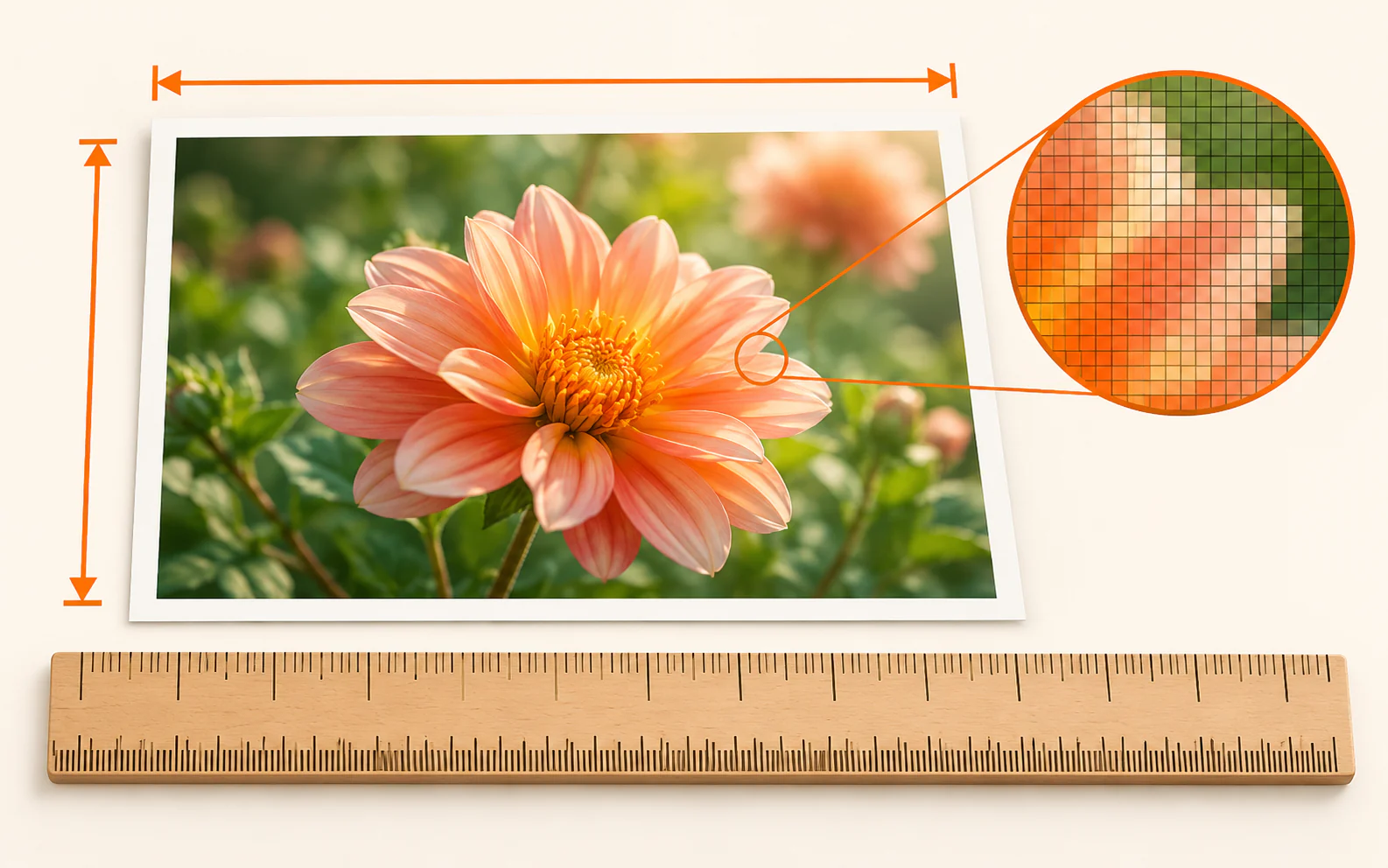
Convert physical size, pixels and DPI
Calculate the pixel dimensions needed for a physical print size, or see how a size in millimetres and inches relates to a chosen DPI.
Start working →Sales and fulfilment

Create a sheet of clear product labels
Set a page, margins and label size. Add a simple title and supporting text, then export an editable SVG sheet for a test print or design workflow.
Start working →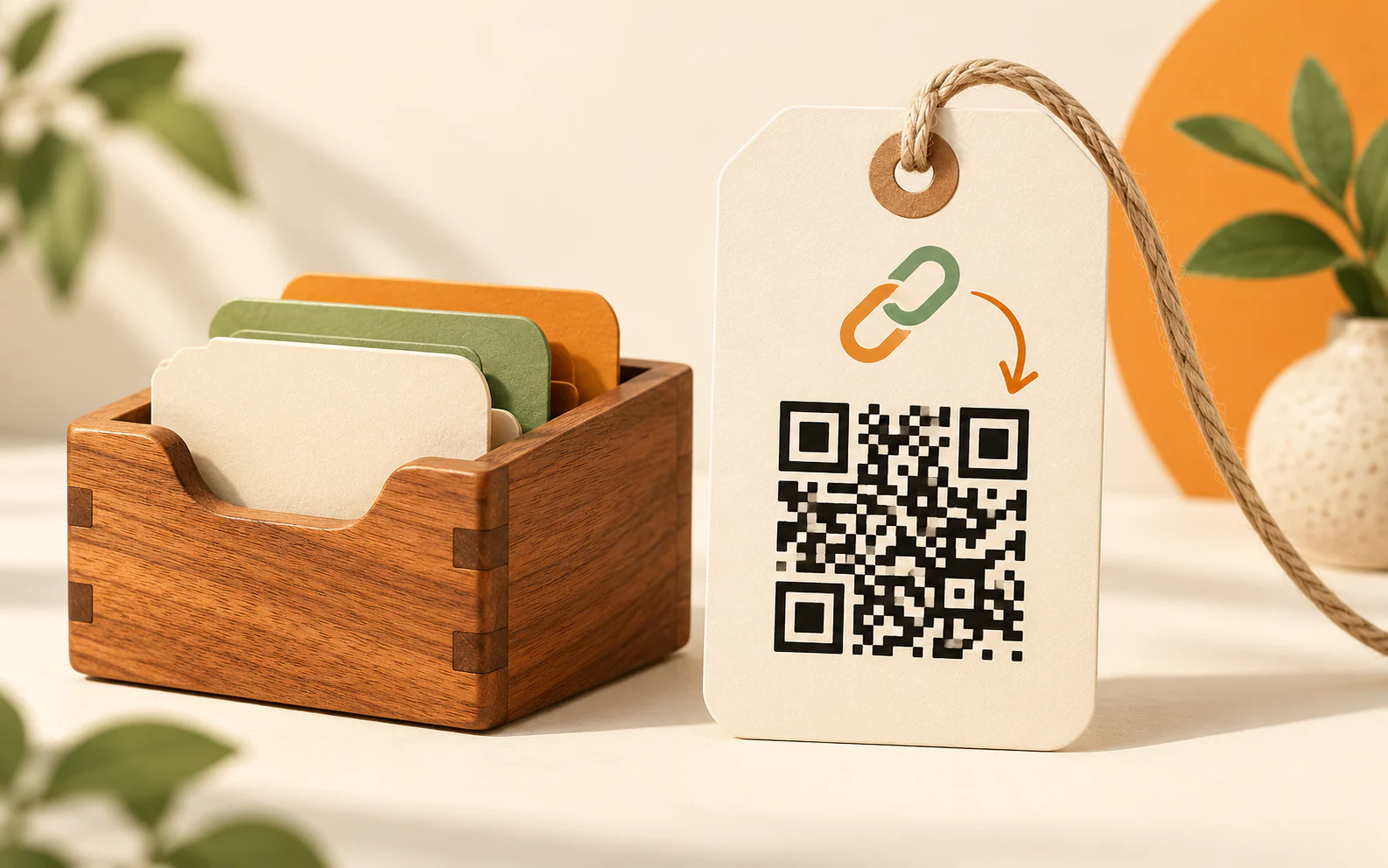
Create a QR code locally
Make a QR code for a product insert, Etsy listing, instruction, website or Wi-Fi access. Your content stays in this browser.
Start working →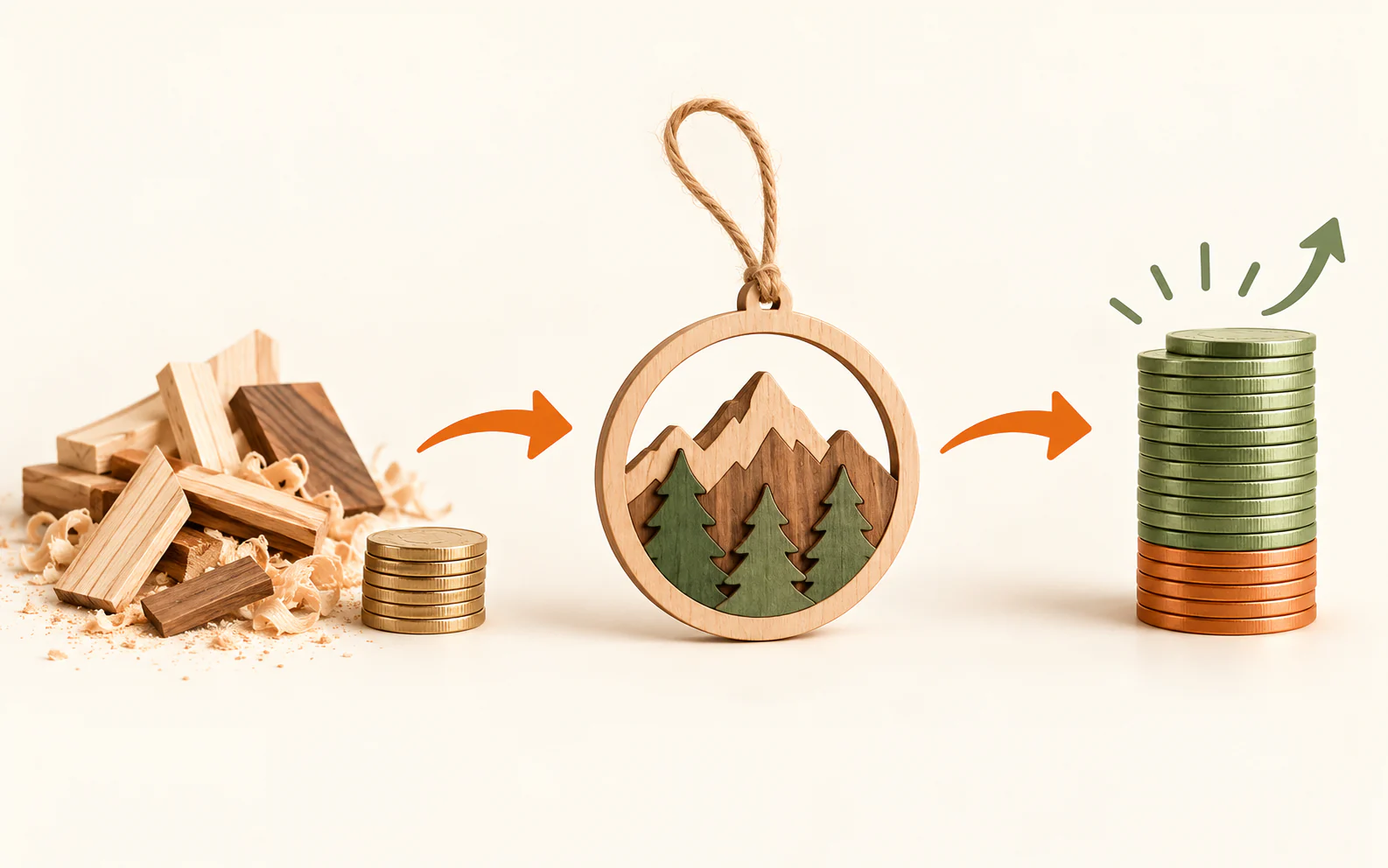
Know the profit before you quote.
Include the material you actually spend, machine time, labour, packaging, delivery and the fees that apply to your sale. Nothing leaves your browser.
Start working →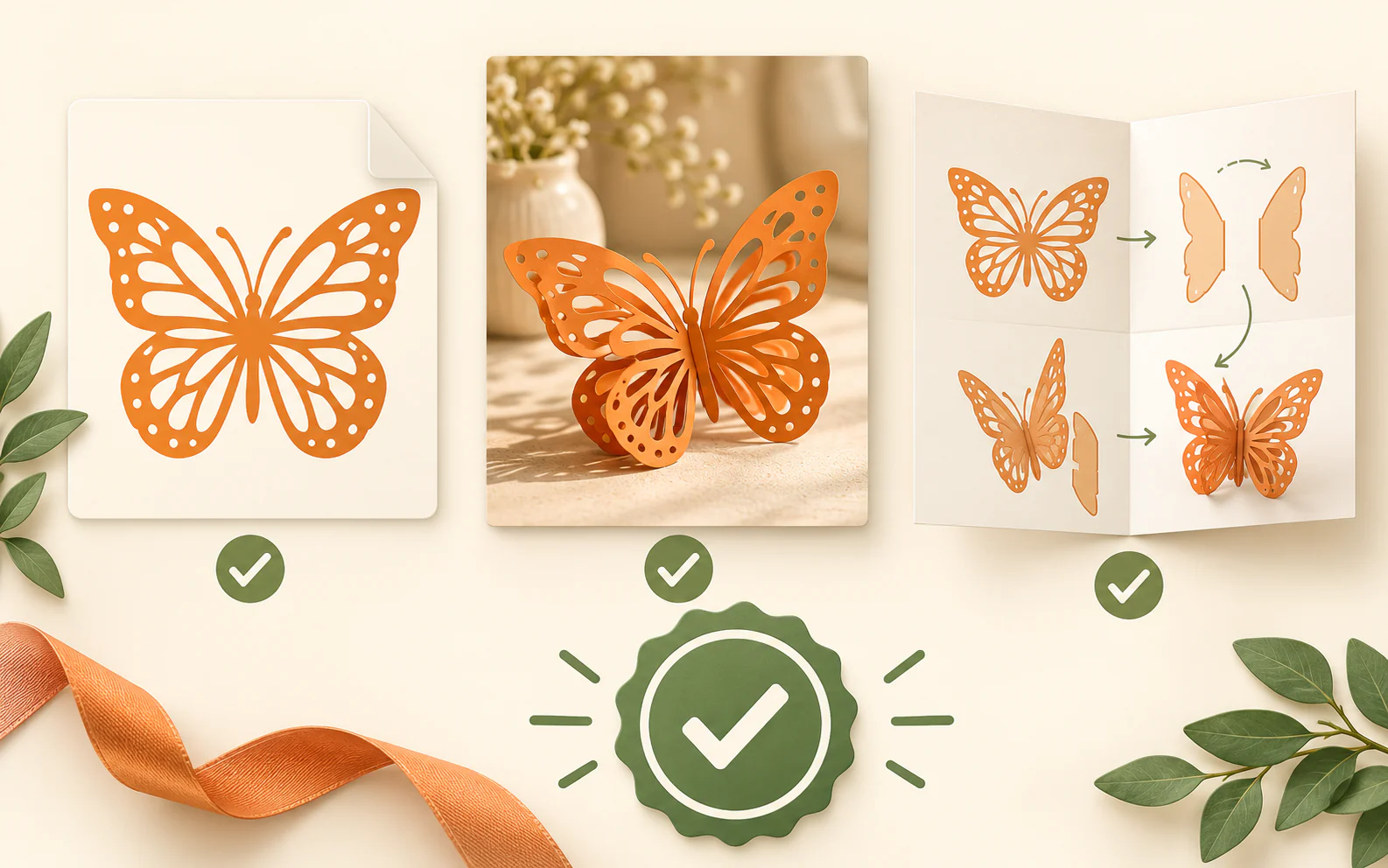
Check a digital product before a customer receives it
Use one practical local checklist for files, previews, instructions and the final download package. Save the progress in this browser or export a simple report.
Start working →
Package digital product files clearly
Put design files, instructions and previews into one organised ZIP download. Review every file before a customer receives it.
Start working →Practical guides before you begin
All guides → SVG and file preparation
How to Nest SVG Parts on a Sheet With Less Material Waste
Plan margins, gaps and rotation before using material.
Read guide →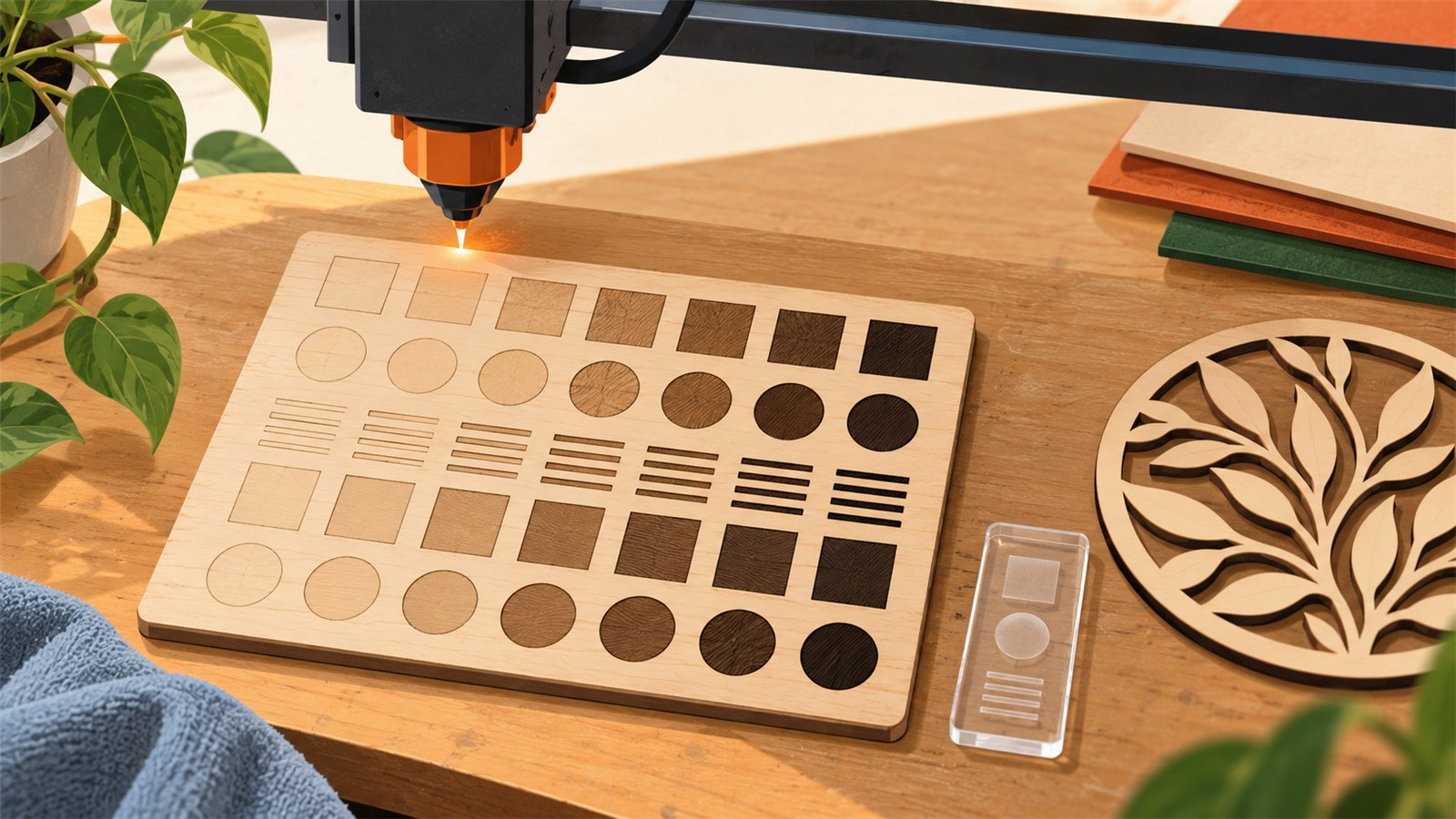 Laser and engraving
Use a Laser Test Grid Before a Full Job
Compare a controlled test on real material before production.
Read guide →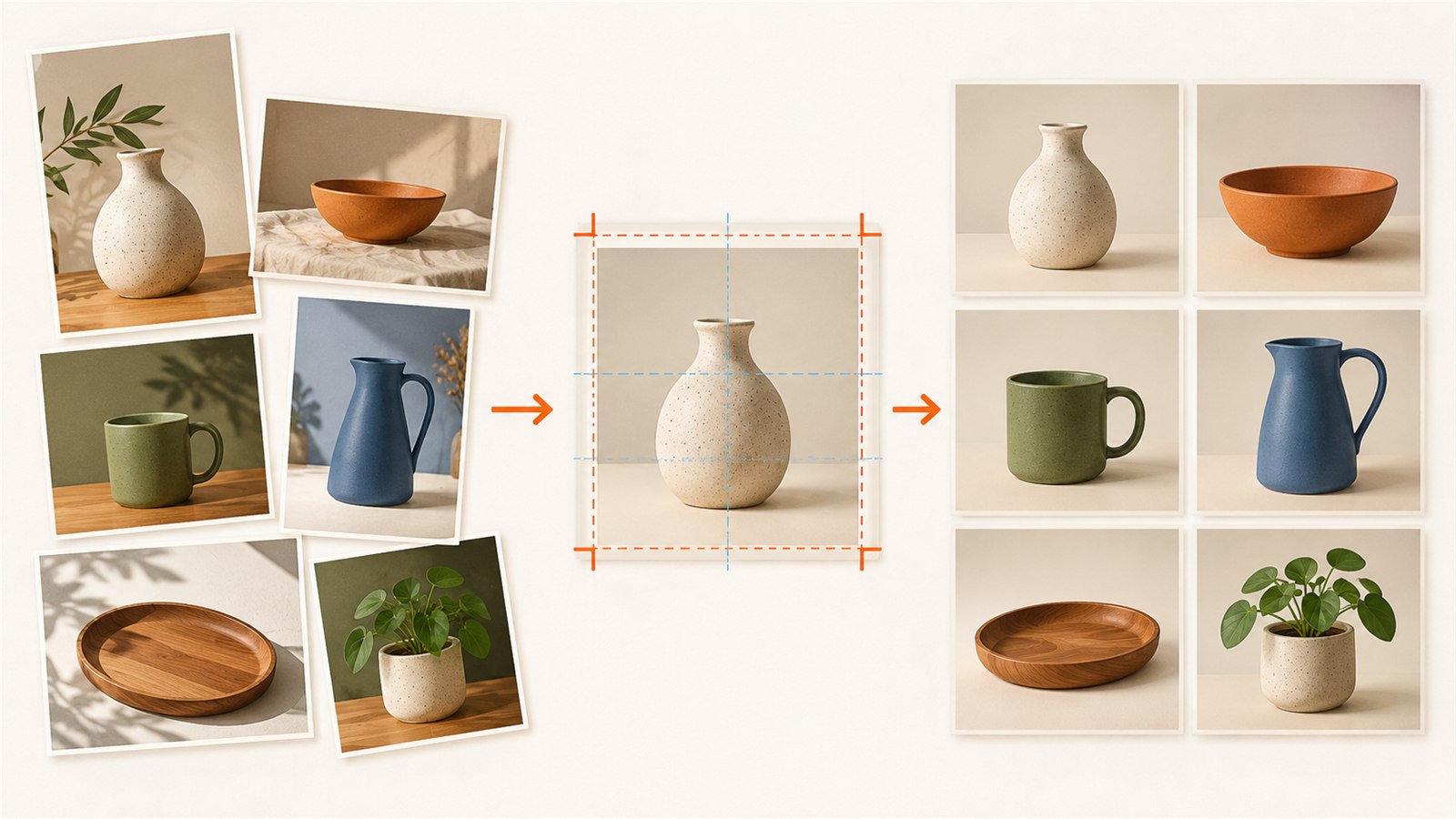 Digital products and selling
Prepare Product Images in Batches for Online Listings
Keep a product-image series clear and consistent.
Read guide →FILEPREPKIT
A practical workspace for files that need to work
Open a tool when you have a real file in front of you: a downloaded SVG, a laser project, a product photo or a digital order. The catalog is organised by the next practical step, not by software jargon. Your files stay in the browser while you work.
Choose another tool →We are preparing a useful place here. For now, the focus stays on your work.