FilePrepKit categories
Photos and images
Crop, resize, convert, compress and protect a useful copy of your product image.
Photos and images
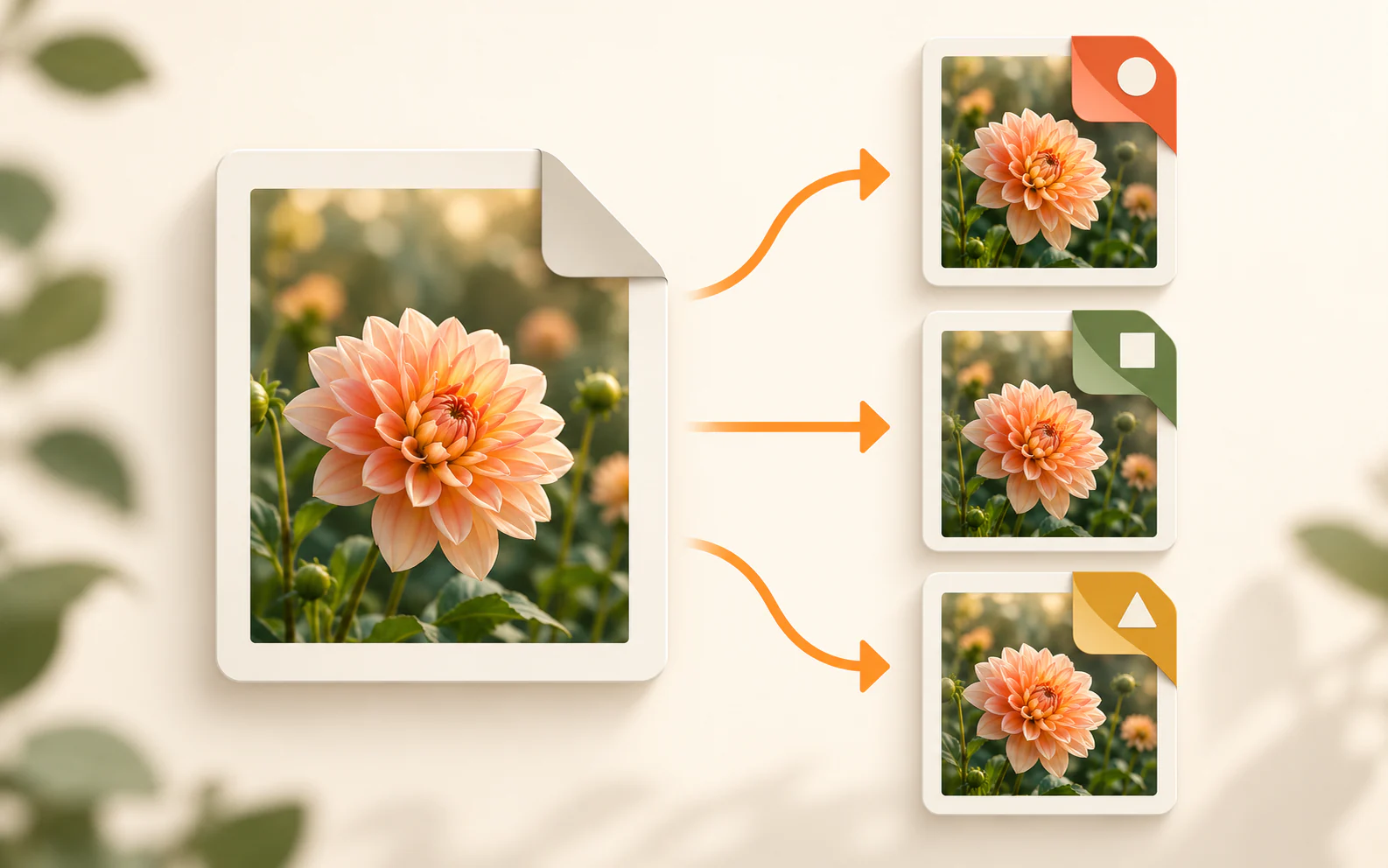
Convert image formats
Turn JPG, PNG and WebP images into the format you need. Your image stays on this device.
Proceed to tool →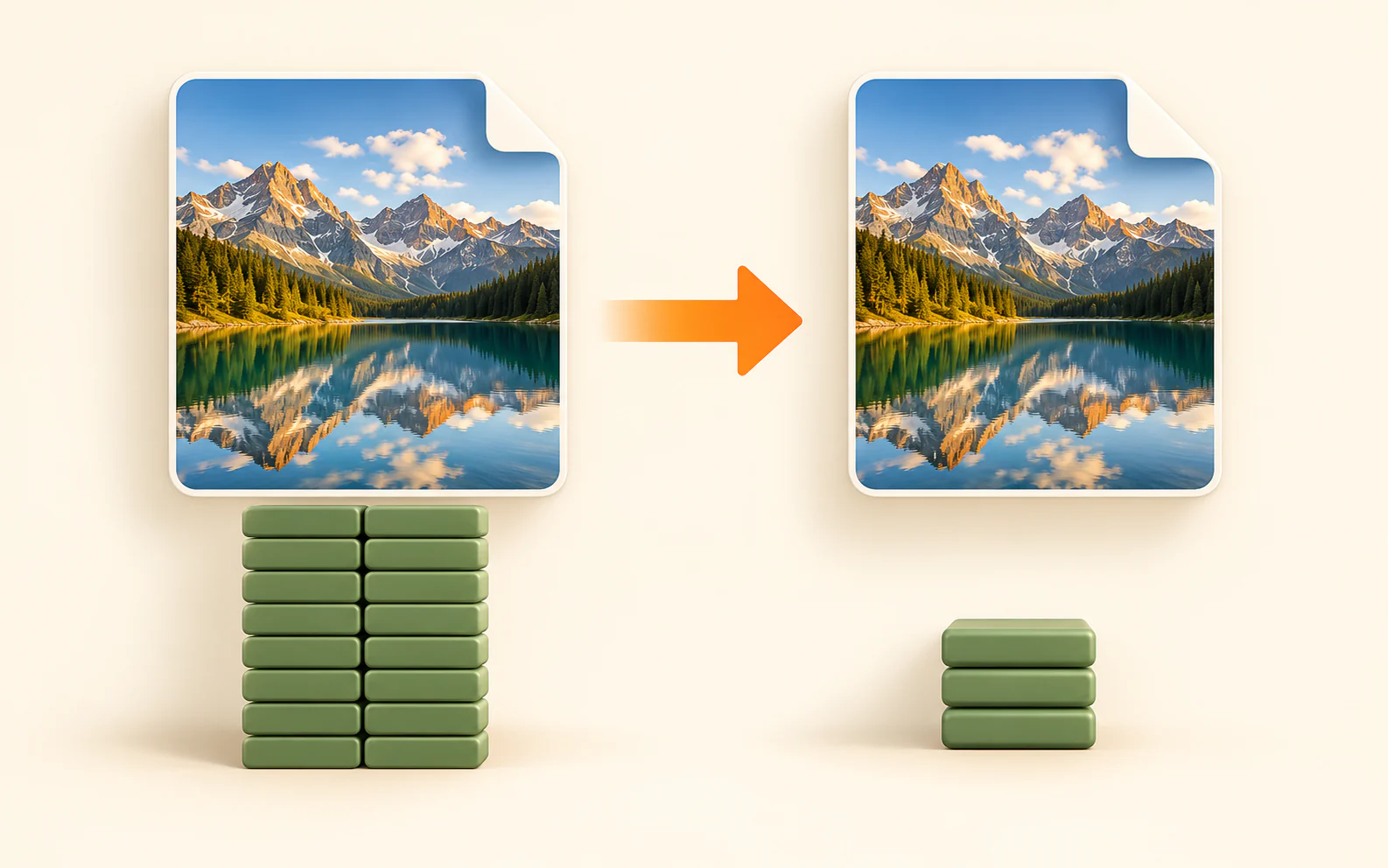
Compress images without uploading
Make JPG, PNG and WebP files lighter for your website, marketplace listings, social posts, messages or email. Your original stays on this device.
Proceed to tool →
Resize your image
Change PNG, JPG or WebP dimensions locally in your browser.
Proceed to tool →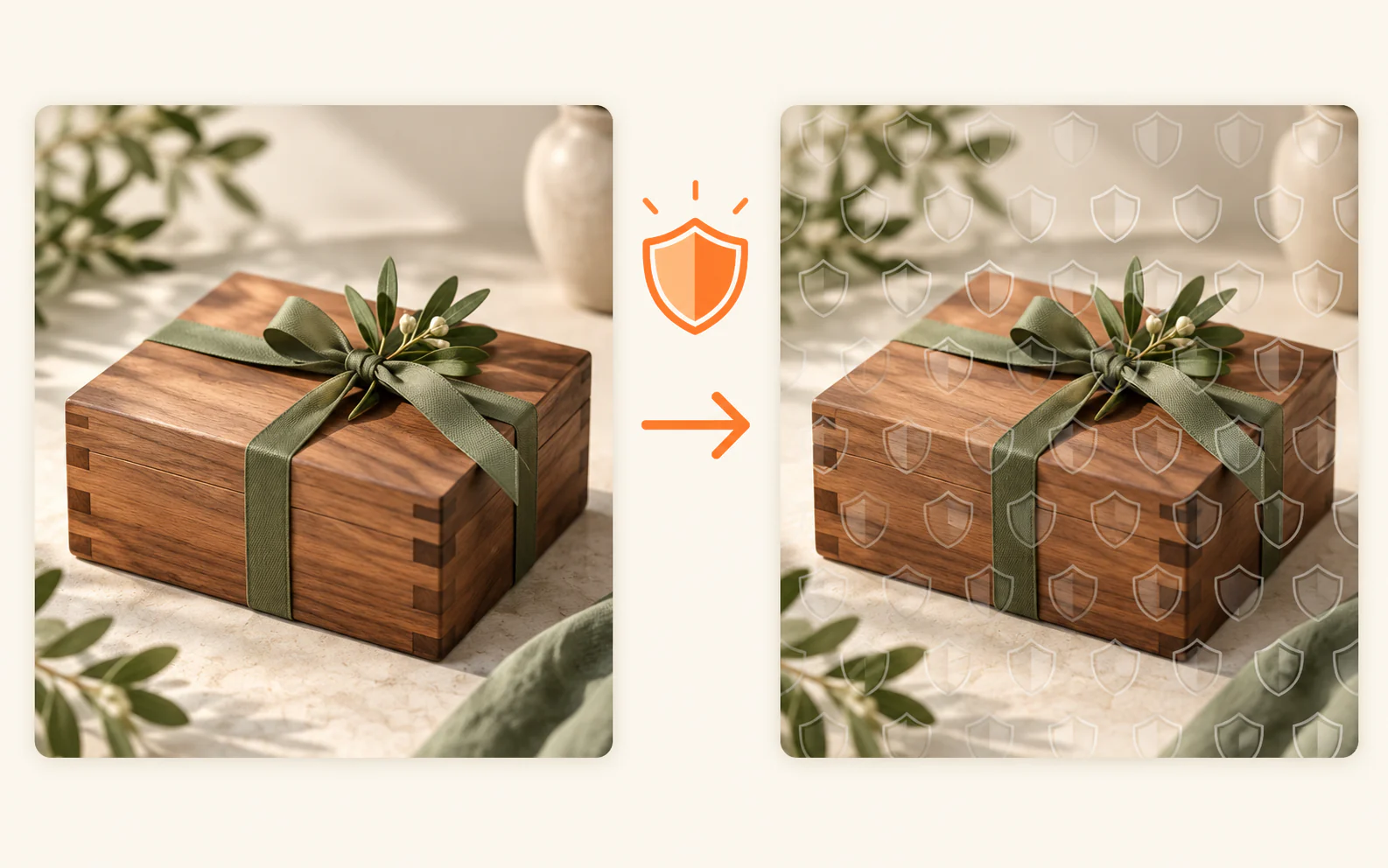
Watermark your preview images
Protect previews for Shopify, Creative Market, social media, your website or a client delivery — with a text or logo watermark.
Proceed to tool →
Crop a photo to your exact frame or shape
Set a finished size, position the photo inside an editable shape, then download a transparent PNG — entirely in your browser.
Proceed to tool →FILEPREPKIT
Prepare a useful image copy
Keep the original untouched, then crop, resize, convert, compress or protect a separate copy for its next use.